Preparing for launch…
MinuteMaster — Meetings to Minutes AI System
Prompt system that turns messy meeting transcripts into accurate minutes, decisions and action items — never invents owners or dates.
What it does & who it's for
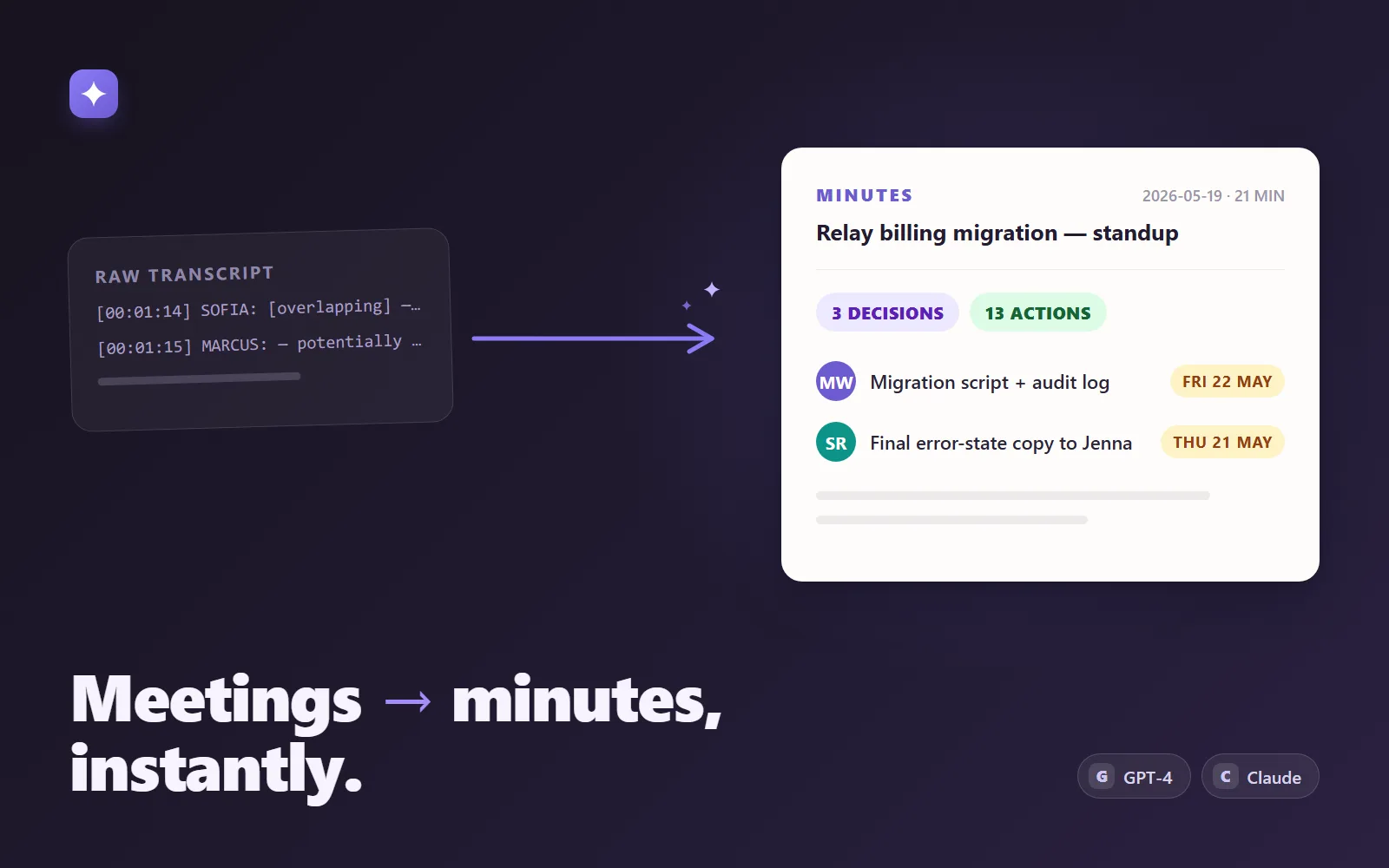
MinuteMaster is a production-grade prompt system that converts raw meeting transcripts into structured minutes: a summary, the discussion by topic, the decisions actually made, action items with owners and due dates, risks, parked topics, follow-ups, and an extraction-notes audit trail. It runs anywhere a frontier model runs — paste it into ChatGPT or Claude, build it into a Custom GPT or Claude Project for your whole team, or call it through the OpenAI/Anthropic APIs with the included integration guide. There is nothing to install and no subscription beyond the AI tool you already use. It is built for the people who actually own meeting outcomes — engineering managers, project managers, chiefs of staff, consultants, agency leads — and for the failure modes real transcripts have. The prompt carries explicit rules for overlapping speakers, unlabelled "SPEAKER 2" lines, [inaudible] segments, tangents about the coffee machine, decisions reversed mid-meeting, and work that nobody took. Every action item is tagged with an owner-confidence level (explicit / inferred / unassigned) and a due-date source, carries a verbatim evidence quote from the transcript, and unowned work is surfaced as UNASSIGNED instead of being quietly attributed to whoever spoke last. Given a meeting date, "by Friday" resolves to a real ISO date; without one, it correctly refuses to guess. The pack has three ways in. Quick start: paste the system prompt into any chat and get the full Markdown minutes template in about five minutes. Team setup: ready-to-paste Custom GPT instructions (engineered to fit ChatGPT's 8,000-character limit) plus a Claude Projects variant. Automation: an API integration guide with working Python and TypeScript code for Anthropic structured outputs, the forced tool-use alternative, OpenAI strict JSON-schema mode, client-side validation, and a chunk-and-merge recipe for very long transcripts — all constrained by the included strict JSON Schema, so minutes can flow straight into Jira, Linear, Slack or a database. You could write "summarise this meeting" yourself — the difference is the edge-case engineering already done and proven. The pack ships a realistic, deliberately messy 20-minute standup transcript together with the exact minutes and schema-valid JSON that the system produced from it, so you can verify your own setup against a known-good result in one paste. The demo shows that before/after pair in full: what goes in on the left is real mess, and what comes out on the right is a document you could file unedited.
What's included
- system-prompt.md — the full engineered system prompt: role, processing order, extraction rules for decisions/actions/risks, owner and due-date rules, edge cases, both output modes - output-schema.json — strict JSON Schema (draft 2020-12) for the structured output, ready for OpenAI strict mode and Anthropic structured outputs - custom-gpt-instructions.md — ready-to-paste ChatGPT Custom GPT configuration (condensed to fit the 8,000-character limit) plus a Claude Projects variant - integration-guide.md — OpenAI and Anthropic API integration with working Python and TypeScript snippets, schema handling, client-side validation, long-transcript chunk-and-merge, cost and caching notes - sample-transcript.md — a realistic messy 20-minute standup transcript: overlapping speakers, an inaudible segment, an unlabelled speaker, off-topic chatter, an unowned task - sample-output.json — the schema-valid JSON produced by running MinuteMaster on the sample transcript - sample-minutes.md — the Markdown minutes from the same run, the human-readable view of the same facts - README-setup.md — quick start, team setup, customisation guidance and troubleshooting
What's not included
- Access to an AI model — you need ChatGPT Plus/Team, Claude Pro/Team, or an OpenAI/Anthropic API key - Meeting recording or transcription — MinuteMaster starts from a text transcript (Zoom, Teams, Meet, Otter etc. all export one) - A hosted app or web service — this is a prompt system you run in your own AI tools - Custom prompt engineering for your organisation beyond the documented customisation points
Requirements
Any one of: ChatGPT Plus/Team/Enterprise (for the Custom GPT path), Claude Pro/Team (for the Claude Projects path), an OpenAI or Anthropic API key (for the code path), or any capable chat model you can give a system prompt to. Meeting transcripts as plain text — timestamped exports from Zoom, Teams, Meet or Otter all work; speaker labels help but are not required. For the API path: Python 3.10+ or Node 18+ and basic familiarity with your provider's SDK.
Setup instructions
1. Unzip the pack and open README-setup.md. 2. Quick start: paste the entire contents of system-prompt.md into a chat with ChatGPT or Claude (as the system prompt or custom instructions if your tool supports that, otherwise as the first message). 3. Paste a transcript, preceded by a MEETING DATE: YYYY-MM-DD line so relative due dates ('by Friday') resolve to real dates. 4. Verify your setup: run sample-transcript.md through and compare against sample-minutes.md — you should get the same 3 decisions, 13 action items (one UNASSIGNED), and the SPEAKER 2 attribution note. Wording varies; the facts should not. 5. For a shared team assistant, follow custom-gpt-instructions.md — Part A builds a ChatGPT Custom GPT, Part B builds a Claude Project. 6. For automation, follow integration-guide.md: strip the two unsupported keywords from output-schema.json for the API call (helper code included), request OUTPUT: JSON, and validate responses against the full schema client-side.
Version history
- v1.0Latest28 July 2026
Licence & terms
Licence terms
Single-project commercial licence. You may use, edit and deploy the prompts, schema and guides for one business or client project, including commercial use across that project's team — in chat tools, Custom GPTs, Claude Projects and your own internal integrations. You may not resell, redistribute, sublicense or repackage the prompt files, schema or documentation (modified or not) as a template, prompt pack, product or part of another marketplace listing. For additional projects, purchase additional licences.
Refund policy
14-day refund policy: if the product is materially not as described — a listed file is missing, or the system prompt does not produce the documented structure on the included sample — contact us within 14 days of purchase for a full refund. Please look at the demo before buying: it shows the actual sample transcript and the actual minutes generated from it, so you can see exactly what the system produces. Refunds are not provided for lack of an AI subscription or API key listed under requirements, or for model-to-model wording variation. Refunds are not offered for change of mind. An approved refund ends your licence to the product — you must delete all copies of the files and stop using them.
Support terms
Email support covers loading the system prompt in ChatGPT/Claude, Custom GPT and Claude Projects setup, the documented API integration patterns, and questions about the schema and customisation points. It does not cover custom prompt engineering for your organisation, debugging your wider pipeline or transcription tooling, or provider account issues. Typical response within 2 business days.
These terms are snapshotted at purchase — what you see here is what applies to your order.
Reviews
No reviews yet
Reviews come from verified purchasers only, so you can trust what you read here.
More in AI Tools
Other listings buyers compared with this one.
 Test-run
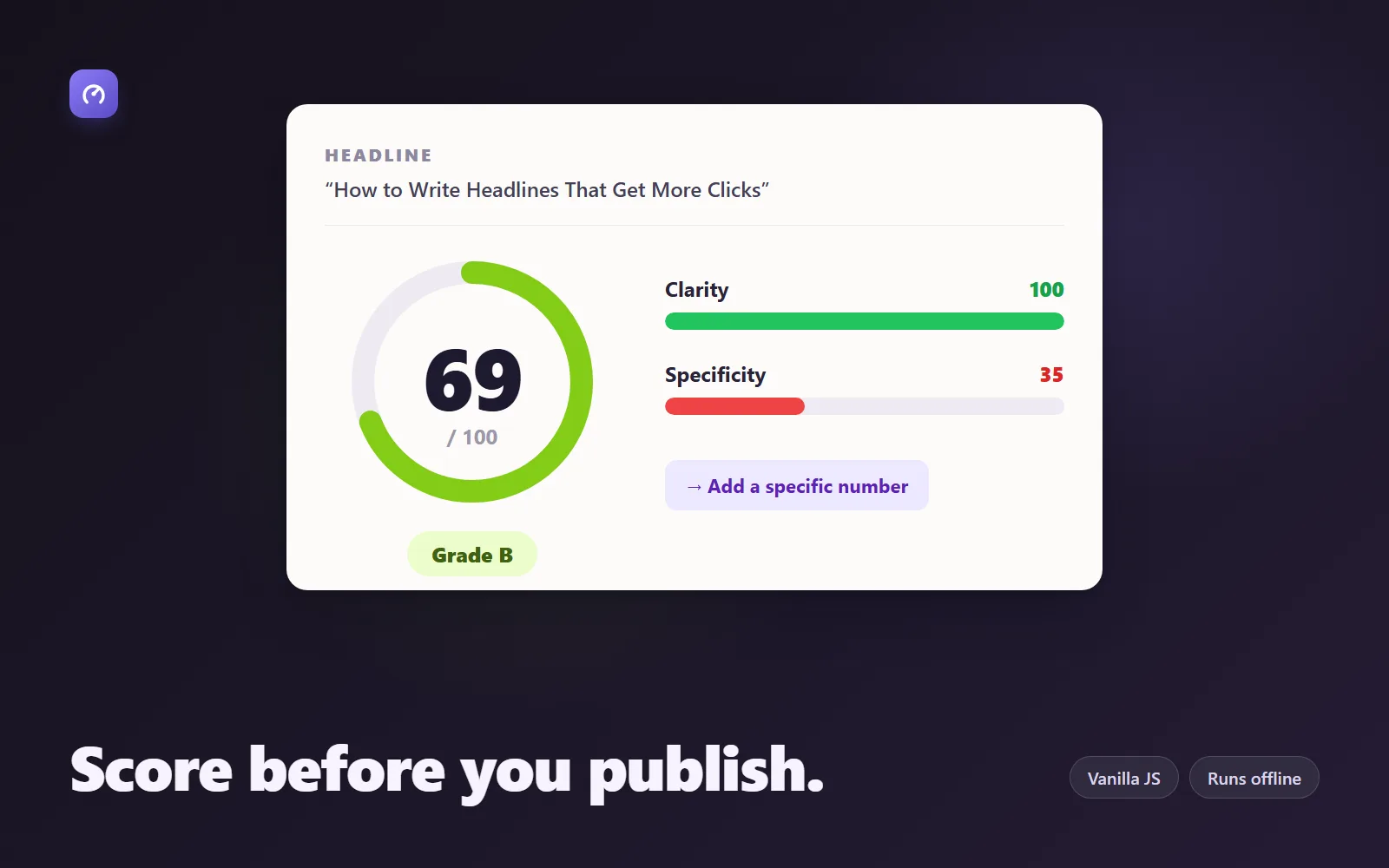
Headline Studio — Scoring Engine + 60 Formulas
Paste a headline, get a 0–100 score across 5 research-backed dimensions plus concrete rewrites. Pure JS — no AI calls, no account.
Live demoThorne Labs$35
 Test-run
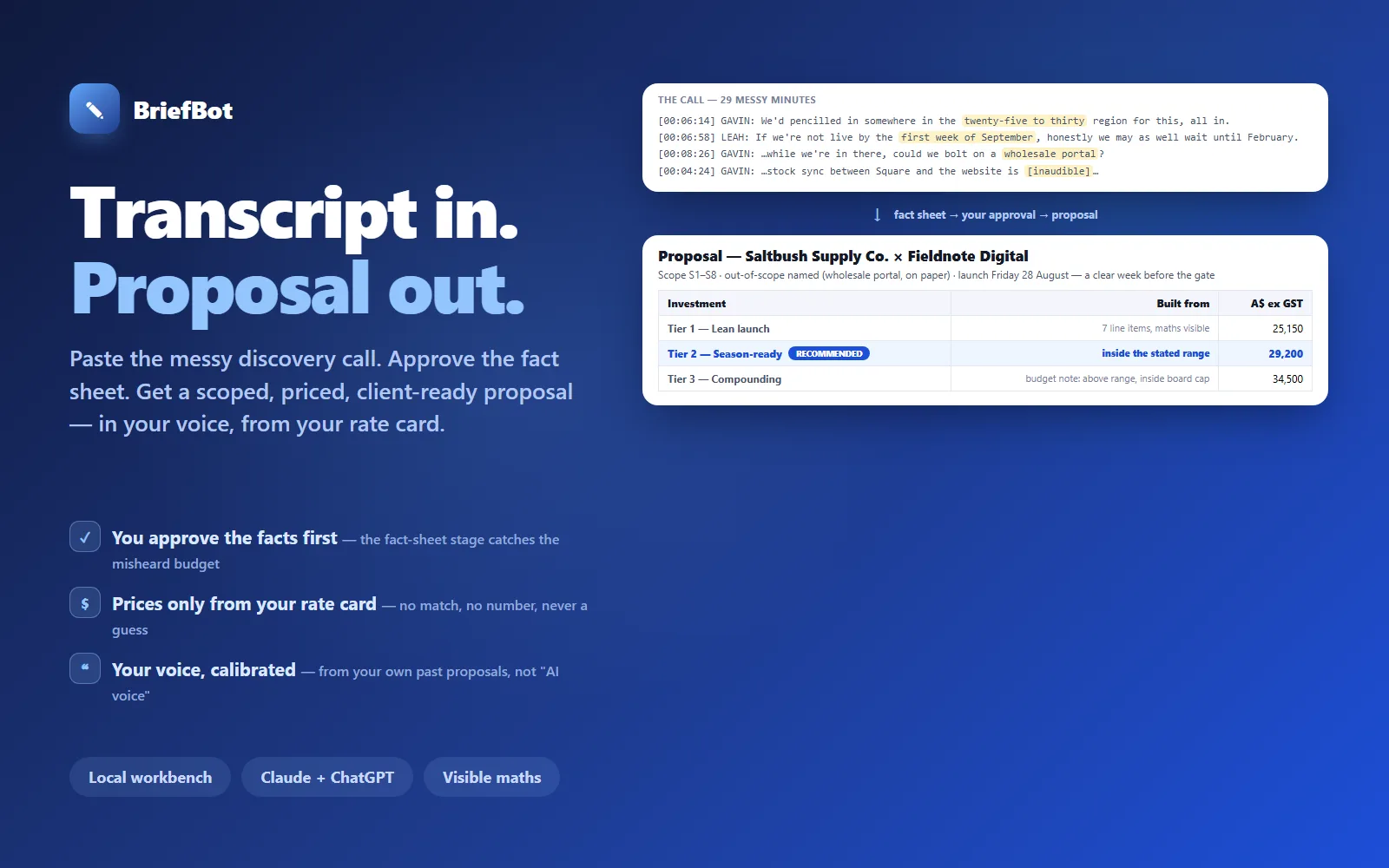
BriefBot — AI Proposal Writer
Paste a discovery-call transcript; approve a fact sheet; get a scoped, priced, client-ready proposal in your voice — priced only from your rate card, never from guesses.
Simulation onlyThorne Labs$349
 Test-run
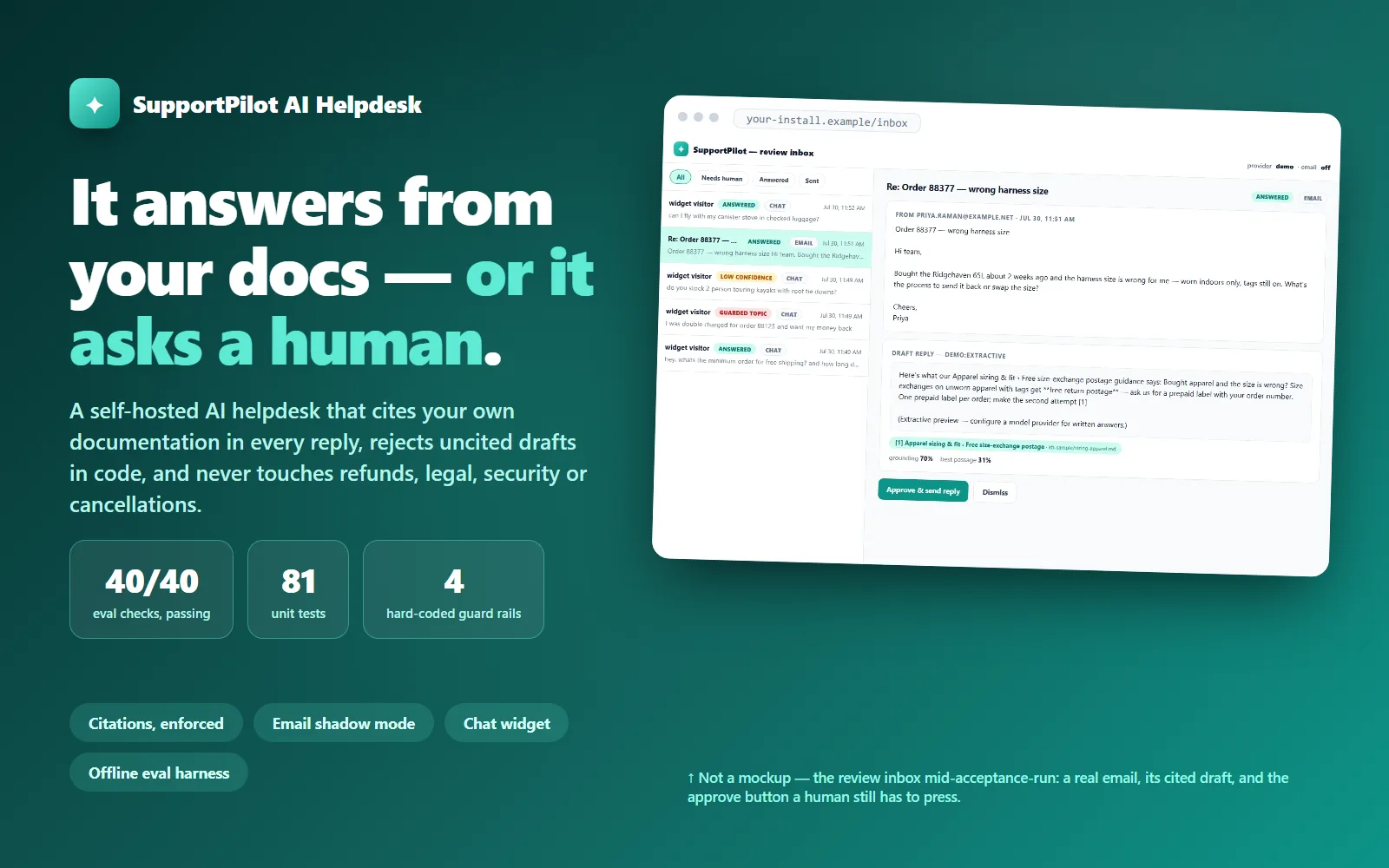
SupportPilot AI Helpdesk
A self-hosted AI helpdesk that answers only from your own docs with citations validated in code, hands anything ungrounded to a human, and never touches refunds, legal, security or cancellations.
Live demoThorne Labs$449