Preparing for launch…
DeepWork OS — Weekly Operating System
A markdown weekly operating system for founders: plan, deep-work log, scored review, goals tree and meeting-cost calculator.
What it does & who it's for
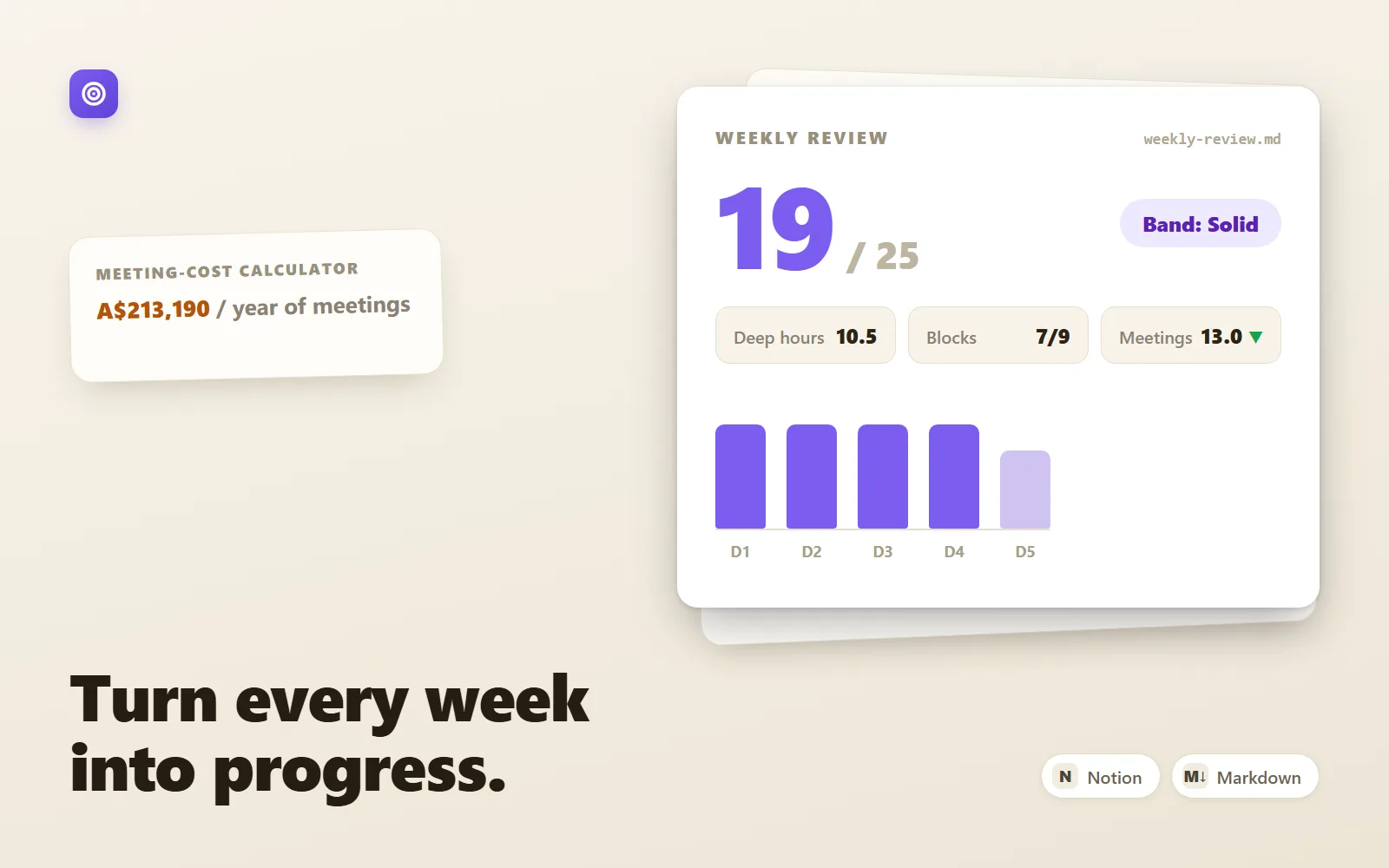
DeepWork OS is a complete weekly operating system for founders and operators whose calendars keep eating the work that actually matters. It runs on plain markdown files — in Obsidian, Notion (import instructions included), or any text editor — so there's no app to learn, no subscription, and nothing that stops working when a startup pivots or a tool dies. Your planning system lives in files you own. The system is a closed loop of five parts. Monday, the weekly plan turns a quarter-level objective into three priorities with checkable "done means" statements, runs a capacity check so you stop planning weeks that don't mathematically fit, books the deep blocks, and audits every meeting. Each day, a three-minute log tracks the blocks, catches interruptions in a pattern log, and closes with a shutdown ritual so open loops stop following you home. Friday, the weekly review scores the week out of 25 against a strict five-dimension rubric — deep-work volume, priority completion, plan fidelity, meeting discipline, energy — and tells you the single change to make next week. Everything traces up to a quarterly goals tree, and the meeting-cost calculator prices your recurring calendar in dollars per year (the sample calendar for a six-to-eight-person startup comes out at A$213,190 — a number that makes the audit conversations very short). What makes this different from a free template you could sketch yourself is the operational detail: anchored 1–5 scoring rubrics rather than vague reflection prompts, a capacity check that forces the cut before the week starts, tripwire tables in the goals tree that define "off track" in advance, and honest loaded-cost rules for the calculator. It's the difference between a blank page and a system with opinions. It also ships with the part most template packs skip: a 14-day adoption guide that installs the system in layers — daily habit first, weekly loop second, quarterly spine last — with a specific, small job for each day and counters for the four standard ways these systems die (over-templating, skipped shutdowns, priority creep, and treating a low score as failure). Try the live demo first: it's a full sample week, written into these exact templates by a believable founder.
What's included
- templates/weekly-plan.md — Monday ritual: theme, top 3 with "done means", capacity check, time blocks, meeting audit, risk pre-decisions - templates/daily-log.md — 3-minute morning setup, deep-block table, interruption log, shutdown ritual - templates/weekly-review.md — Friday review scored /25 with anchored rubrics for all five dimensions and score-band guidance - templates/quarterly-goals.md — goals tree (mission → 3 objectives → monthly checkpoints), tripwire tables, linking rule, kill log - meeting-cost-calculator.csv — pre-filled sample startup calendar with computed costs (CSV, since a CSV can't honestly carry live formulas) - meeting-cost-calculator-guide.md — the three formulas to paste into Sheets/Excel/Numbers, honest-input rules, and the two-question test - adoption-guide.md — the 14-day installation plan with a small daily job and failure-mode counters - README-setup.md — folder structure, naming conventions, and step-by-step Obsidian and Notion setup
What's not included
- No app, plugin, or software — these are markdown and CSV files for tools you already have - No Notion database/formula versions of the calculator (Notion formula syntax differs; the guide targets Sheets/Excel/Numbers) - No pre-built Obsidian vault config, themes, or community plugins - No coaching or accountability service — the adoption guide is self-run - No xlsx file — the calculator ships as CSV plus a formulas guide, deliberately, so nothing is fake
Requirements
Any markdown editor (Obsidian, Notion, VS Code, Typora, iA Writer, Logseq, Bear — or plain text). For the live meeting-cost calculator: Google Sheets, Excel, or Apple Numbers. About 20 minutes for initial setup, then 10–40 minutes per day during the 14-day adoption plan.
Setup instructions
1. Unzip your download and open README-setup.md. 2. Create a DeepWork OS folder with the numbered subfolders shown in the README (0-quarter, 1-weekly, 2-daily, 3-reviews, templates) and copy the files in. 3. Keep templates/ as pristine masters — duplicate a template into the right folder and rename it (weekly files YYYY-Www-plan.md, daily files YYYY-MM-DD-log.md) each time you use one. 4. Obsidian users: open the folder as a vault (or drop it into one) and optionally wire the Templates and Daily notes core plugins as described in the README. 5. Notion users: Settings → Import → Text & Markdown, select the .md files, then recreate the folder structure as sub-pages; turn the daily log into a template button per the README. 6. Import meeting-cost-calculator.csv into Google Sheets or Excel and paste in the three formulas from meeting-cost-calculator-guide.md (checksum values are given so you can verify). 7. Open adoption-guide.md and start Day 1 — deliberately do not set everything up at once; the guide sequences it.
Version history
- v1.0Latest28 July 2026
Licence & terms
Licence terms
Single-project commercial licence. Your purchase licenses you (one person, or one team at one company) to use, modify, and fill in these templates for your own work, including commercial work, across your own devices and tools. You may share filled-in copies internally with your team. You may not resell, redistribute, sublicense, or publish the templates or any derivative template pack, whether free or paid, and you may not include them in a product, course, or template marketplace listing.
Refund policy
14-day refund policy: if the product is materially not as described on this page, contact us within 14 days of purchase for a full refund. Please try the live demo first — it shows a complete sample week written into the exact templates you'll receive, so you can judge the depth of the system before buying. Refunds are not offered for change of mind. An approved refund ends your licence to the product — you must delete all copies of the files and stop using them.
Support terms
Email support covers setup questions, Obsidian/Notion import problems, calculator formula issues, and questions about running the weekly loop. It does not cover building custom templates to order, though we'll happily point you at the right place to make a change.
These terms are snapshotted at purchase — what you see here is what applies to your order.
Reviews
No reviews yet
Reviews come from verified purchasers only, so you can trust what you read here.
More in Productivity
Other listings buyers compared with this one.
 Test-run
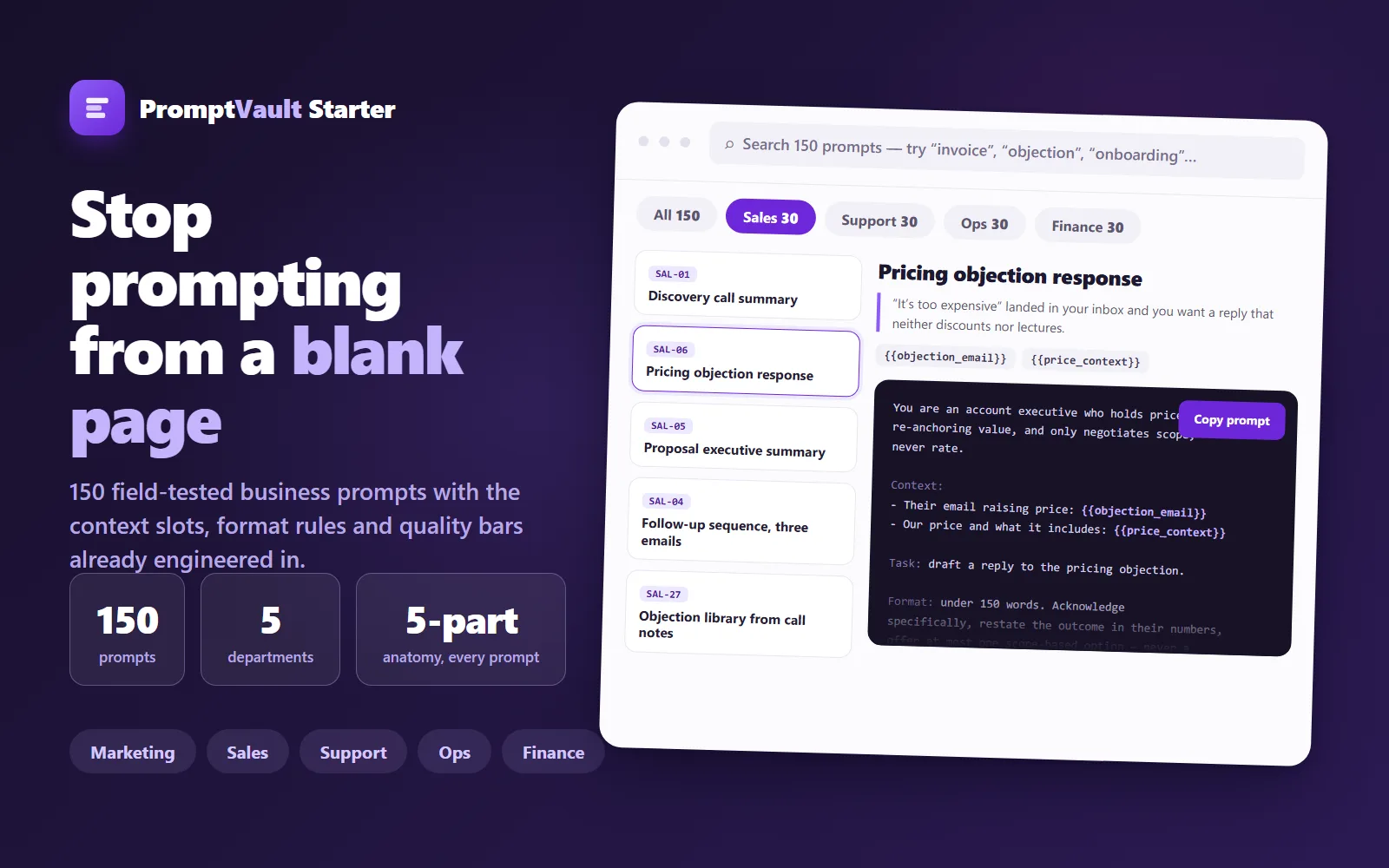
PromptVault Starter — 150 Business Prompts
A free, curated vault of 150 field-tested prompts for marketing, sales, support, ops and finance — each engineered with context slots, format rules and a quality bar.
Live demoThorne LabsFree
 Test-run
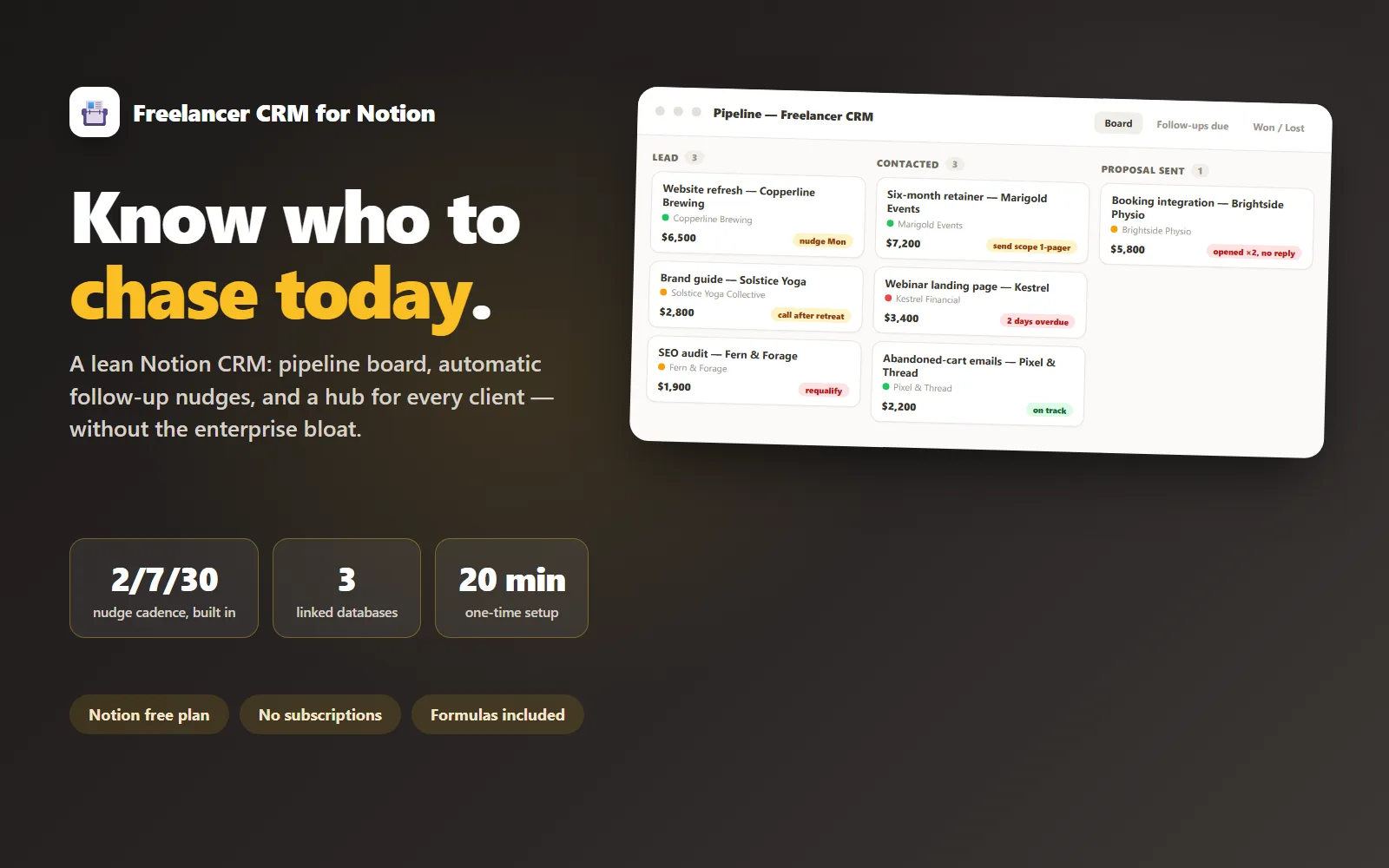
Freelancer CRM for Notion
A lean Notion CRM for freelancers: pipeline, follow-up nudges and a client hub, without the enterprise bloat.
Live demoLedger & Line$69
 Test-run
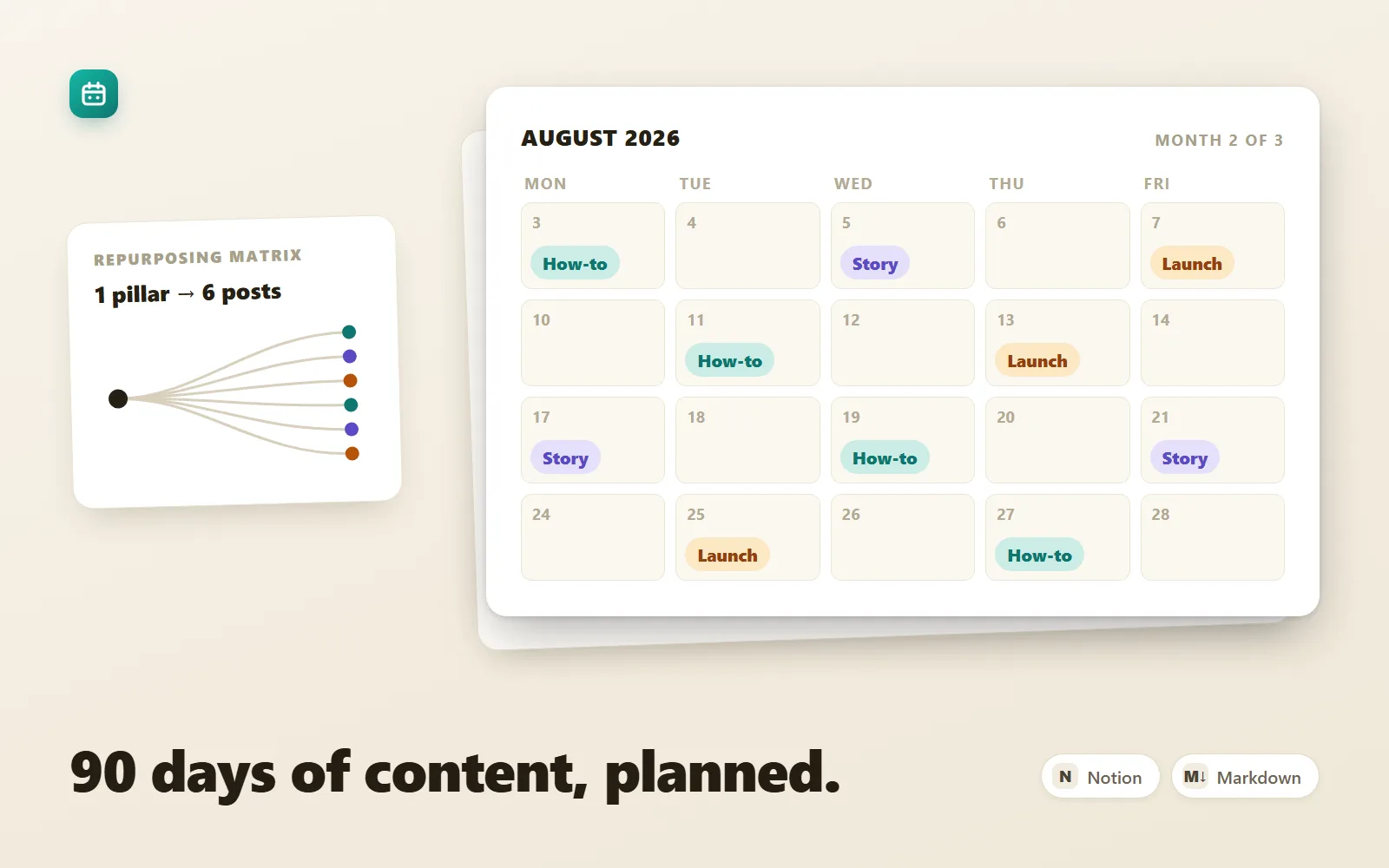
Content Calendar OS — 90-Day Content System
A 90-day content operating system for founders on 1–3 channels: strategy, calendar, batching ritual, scored backlog, repurposing matrix.
Sample previewThorne Labs$25