Preparing for launch…
Client Intake Autopilot (n8n)
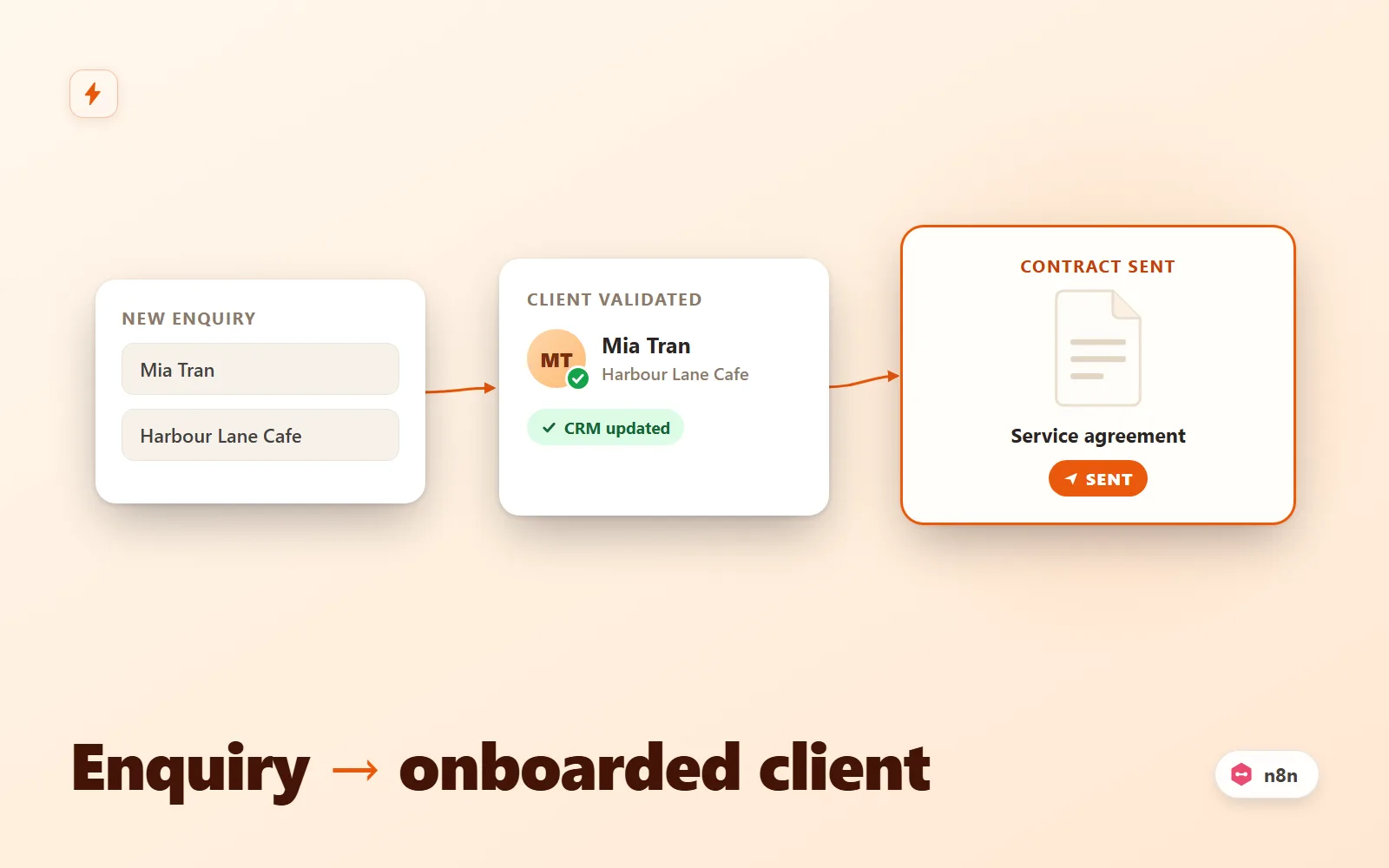
n8n workflow that turns a form submission into an onboarded client: validate, dedupe, CRM upsert, contract email, Slack alert, reminder.
What it does & who it's for
Client Intake Autopilot is a production-ready n8n workflow that takes a new-client form submission and runs the entire first-touch sequence for you. The moment a lead hits the webhook, it is validated (required fields, email format, disposable-domain block), normalised (name split, phone cleaned, budget parsed to a number, website given a scheme) and deduplicated on email. Clean leads are upserted into your CRM, sent a polished service-agreement email, announced to your team in Slack, and — if three days pass — nudged once with a polite reminder. Junk submissions are bounced with an HTTP 400 that names every problem, before they ever touch your CRM. It is built for freelancers, studios and agencies who lose hours (and occasionally leads) to manual onboarding: copying form entries into the CRM, writing the same welcome email, remembering to follow up. The workflow ships with both a HubSpot branch and an Airtable branch behind a Switch node — use whichever you run, or keep both and route per-form with a hidden field. Because both branches UPSERT on email, a returning lead updates the existing record instead of creating a duplicate, so your pipeline stays clean without any lookup gymnastics. Everything is the real n8n export format: 14 typed core nodes (webhook, code, if, switch, respondToWebhook, hubspot, airtable, merge, emailSend, slack, wait) plus three sticky notes documenting each stage on the canvas. Credentials are named placeholders you connect once after import — no community nodes, no external services beyond the ones you already use. The two client-facing emails are table-based HTML that renders correctly in Outlook, shipped both inside the nodes and as an editable master copy. You could wire this yourself — the difference is the edge-case work already done: multi-error validation instead of fail-on-first, a disposable-email blocklist, instant 200 responses so your form never hangs while onboarding continues in the background, a restart-safe Wait node, and a documented upgrade path for making the reminder conditional on contract signature. The setup guide takes you from import to live in 30-45 minutes, with curl tests for the happy path, the rejection path and the dedupe behaviour. Try the simulation demo first — it replays the exact node logic on a sample lead, step by step.
What's included
- client-intake-autopilot.n8n.json — importable n8n workflow (14 working nodes + 3 sticky notes, real n8n export format) - README-setup.md — import steps, credential setup per node (HubSpot, Airtable, SMTP, Slack), go-live checklist, curl tests, troubleshooting table - field-mapping-guide.md — webhook field contract plus form-field to CRM-property mapping tables for HubSpot and Airtable, with a worked example for adding your own fields - sample-payload.json — realistic test lead for curl or your form tool's test mode - email-templates.md — both emails (contract + reminder) in HTML and plain text, with the n8n variable reference and customisation tips
What's not included
- An n8n instance (you need n8n Cloud or self-hosted 1.20+) - HubSpot, Airtable, Slack or SMTP accounts and their credentials - An e-signature tool — the contract email links to whatever agreement URL you use (PandaDoc, DocuSign, a PDF, etc.) - The form itself — any form tool that can POST JSON works; this is the automation behind it - Custom development or changes beyond the documented configuration points
Requirements
n8n 1.20 or later (Cloud or self-hosted). A HubSpot account with a Private App token OR an Airtable base with a Personal Access Token. An SMTP mailbox or transactional relay for outbound email. A Slack workspace where you can create a simple bot app. A form tool that can POST JSON to a webhook (Webflow, Framer, Typeform, Tally, Jotform, Fillout, Gravity Forms, or a plain HTML form).
Setup instructions
1. In n8n, go to Workflows, then Add workflow, then Import from File, and select client-intake-autopilot.n8n.json. 2. Open the HubSpot node (or the Airtable node) and attach your credential — README-setup.md section 2 walks through creating each one, including the exact HubSpot scopes and the Airtable table schema. 3. Create one SMTP credential and assign it to both email nodes; change the from address and the agreement URL in both. 4. Create a Slack bot with chat:write, assign the credential to both Slack nodes, and invite the bot to your #new-clients channel (or edit the channel name). 5. Work through the go-live checklist in README-setup.md section 3, then activate the workflow. 6. Point your form at the webhook's production URL and test with the two curl commands in section 5 — one valid lead (expect 200 and the full sequence), one invalid (expect 400 with named errors). Send the valid payload twice to confirm the dedupe updates rather than duplicates.
Version history
- v1.0Latest3 Aug 2026
Licence & terms
Licence terms
Single-project commercial licence. You may import, modify and run this workflow for one business or client project, including commercial use, and adapt the emails, field mappings and nodes freely for that project. You may not resell, redistribute, sublicense or repackage the workflow or its documentation (modified or not) as a template, product or part of a marketplace listing. For additional projects, purchase additional licences.
Refund policy
14-day refund policy: if the product is materially not as described — the workflow does not import into a supported n8n version, or a documented feature is absent — contact us within 14 days of purchase for a full refund. Please run the interactive demo before buying: it replays the exact node logic shipped in the file, so you can see precisely what you are getting. Refunds are not provided for lack of an n8n instance or third-party accounts listed under requirements. Refunds are not offered for change of mind. An approved refund ends your licence to the product — you must delete all copies of the files and stop using them.
Support terms
Email support covers importing the workflow, connecting the documented credentials (HubSpot, Airtable, SMTP, Slack), and questions about the shipped field mappings and templates. It does not cover custom feature development, debugging your form tool or third-party accounts, or general n8n consulting. Typical response within 2 business days.
These terms are snapshotted at purchase — what you see here is what applies to your order.
Reviews
No reviews yet
Reviews come from verified purchasers only, so you can trust what you read here.
More in Automation
Other listings buyers compared with this one.
 Test-run
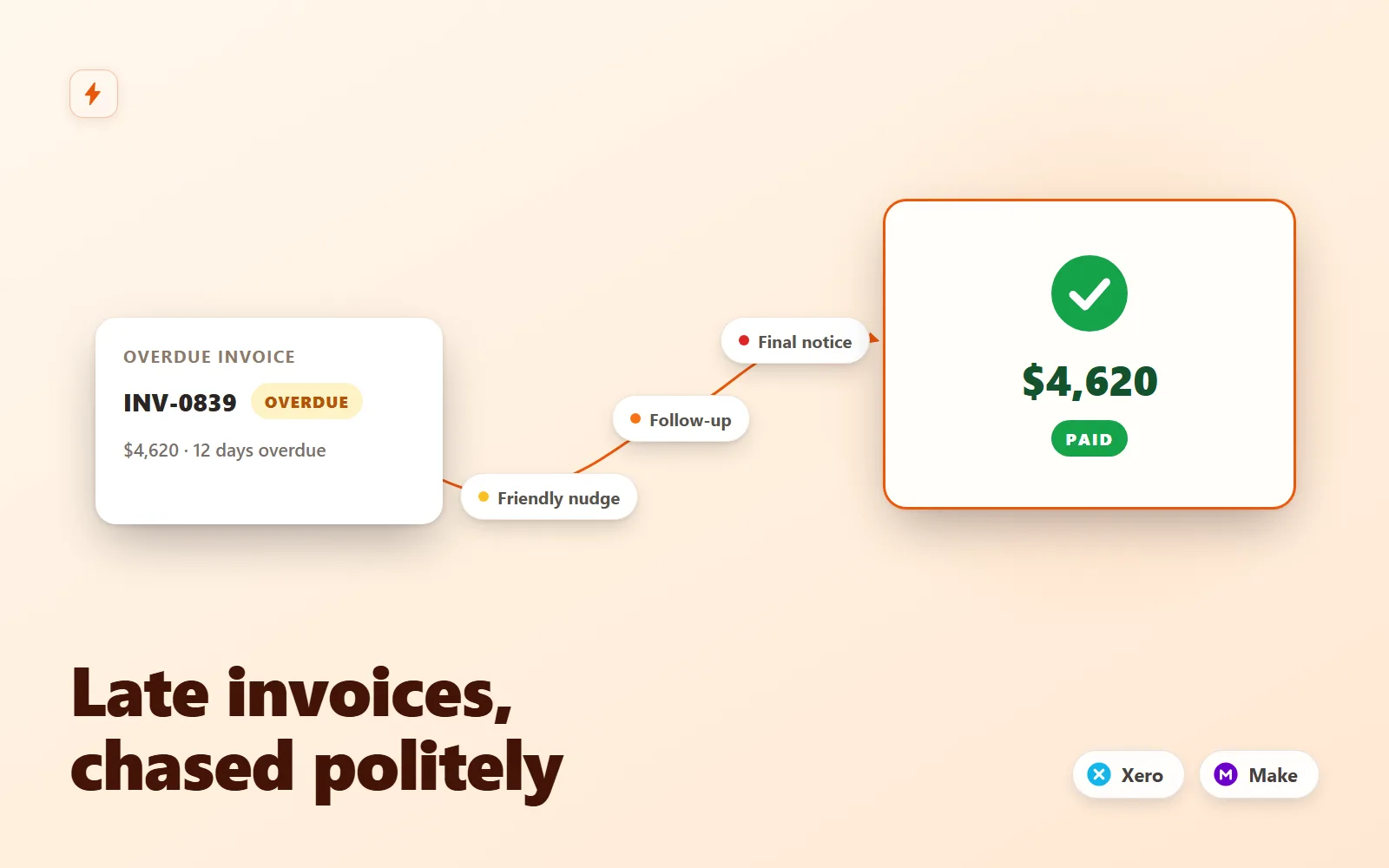
Invoice Chaser for Xero
Polite, persistent invoice follow-ups for Xero that recover late payments without you writing a single email.
Simulation onlyFlowForge Studio$129
 Test-run
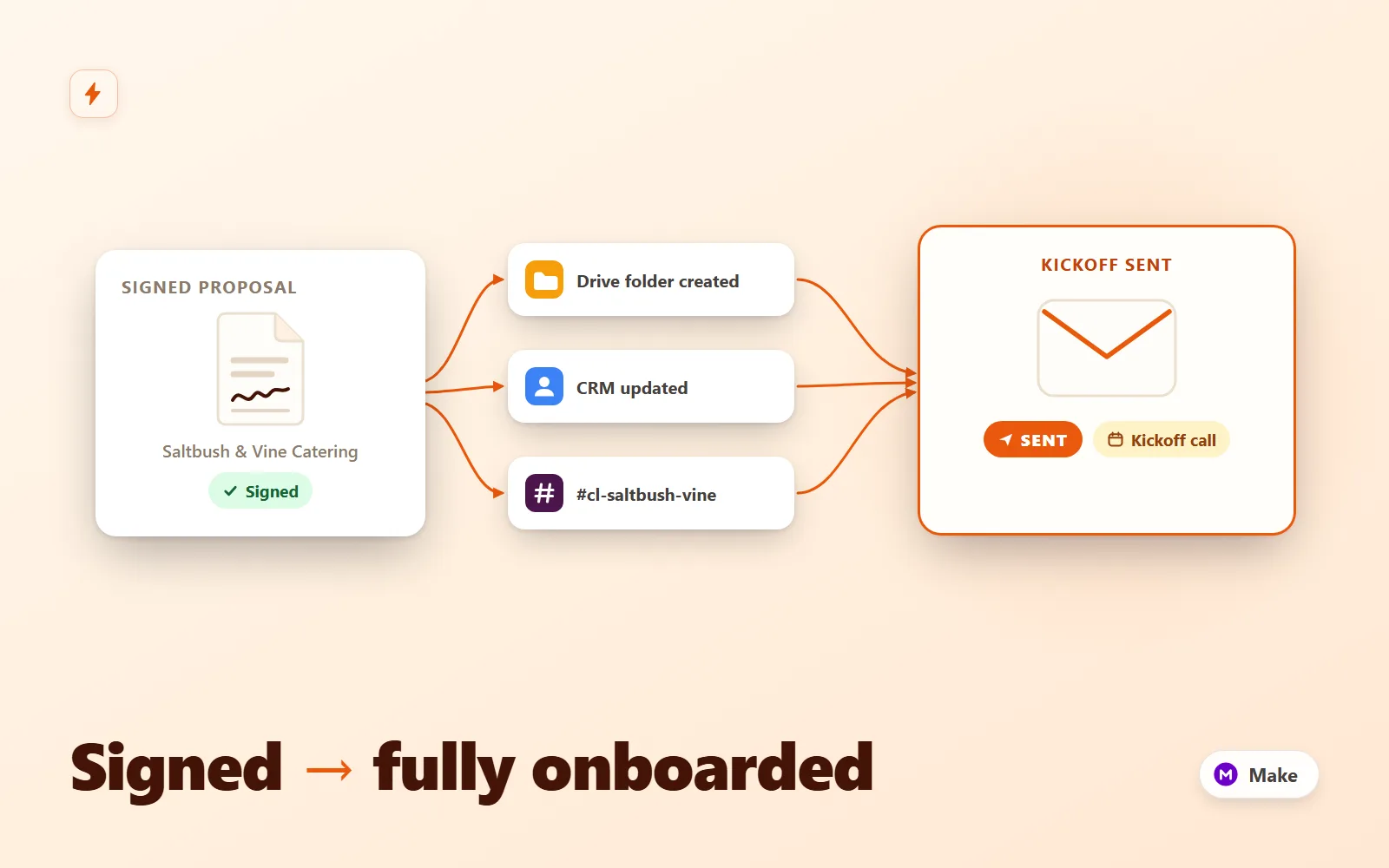
Client Onboarding Autopilot
Make.com scenario pack that turns a signed proposal into a fully onboarded client: Drive folder tree, CRM upsert, kickoff email + questionnaire, Slack channel with your team inside, seeded task list and a day-3 questionnaire reminder.
Simulation onlyFlowForge Studio$189
 Test-run
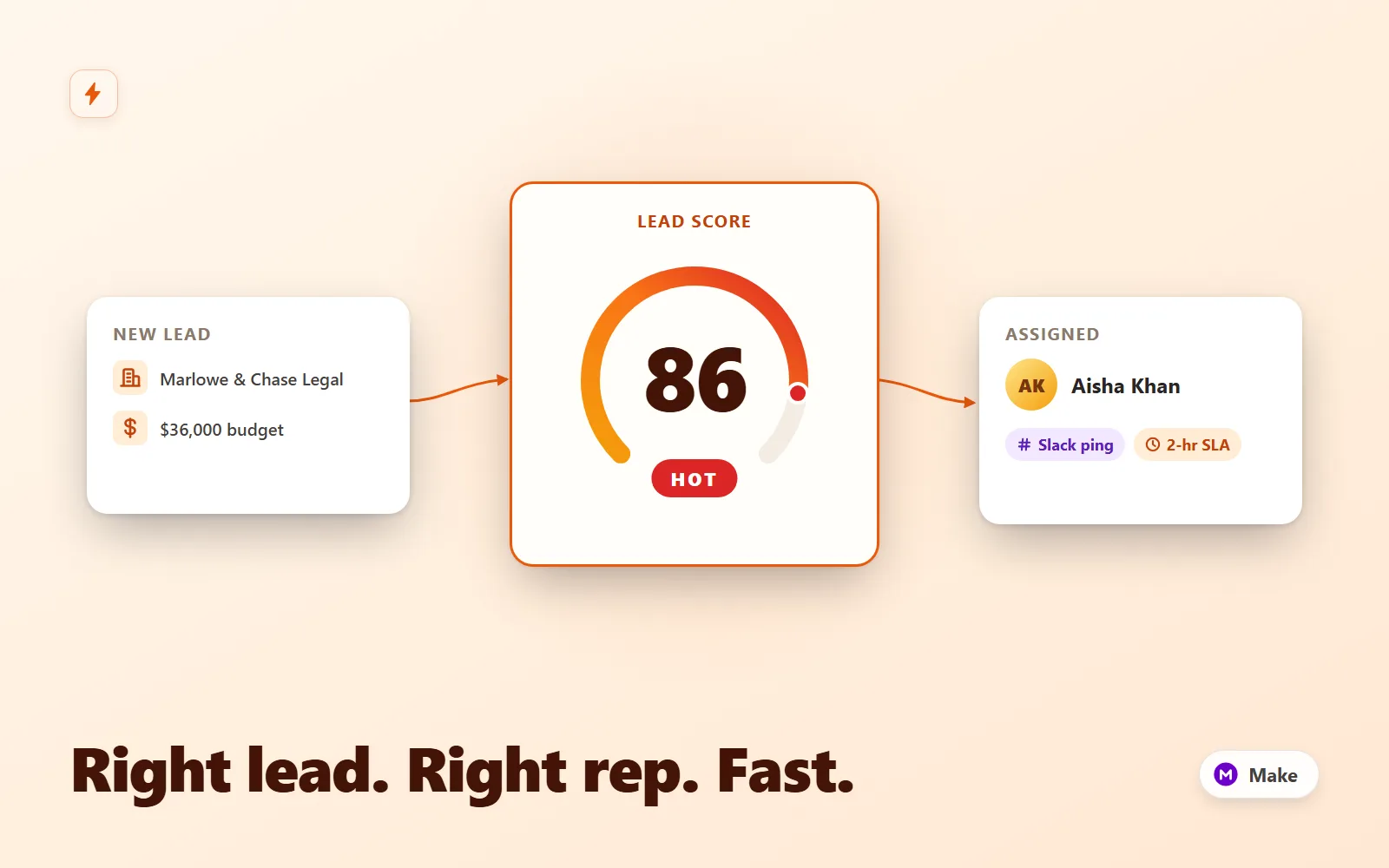
Lead Router Pro
Make.com scenario that scores inbound leads, round-robins hot ones to a rep with a Slack lead card and CRM owner, tags warm for nurture, and escalates 2-hour SLA breaches to the manager.
Simulation onlyFlowForge Studio$169
 Test-run
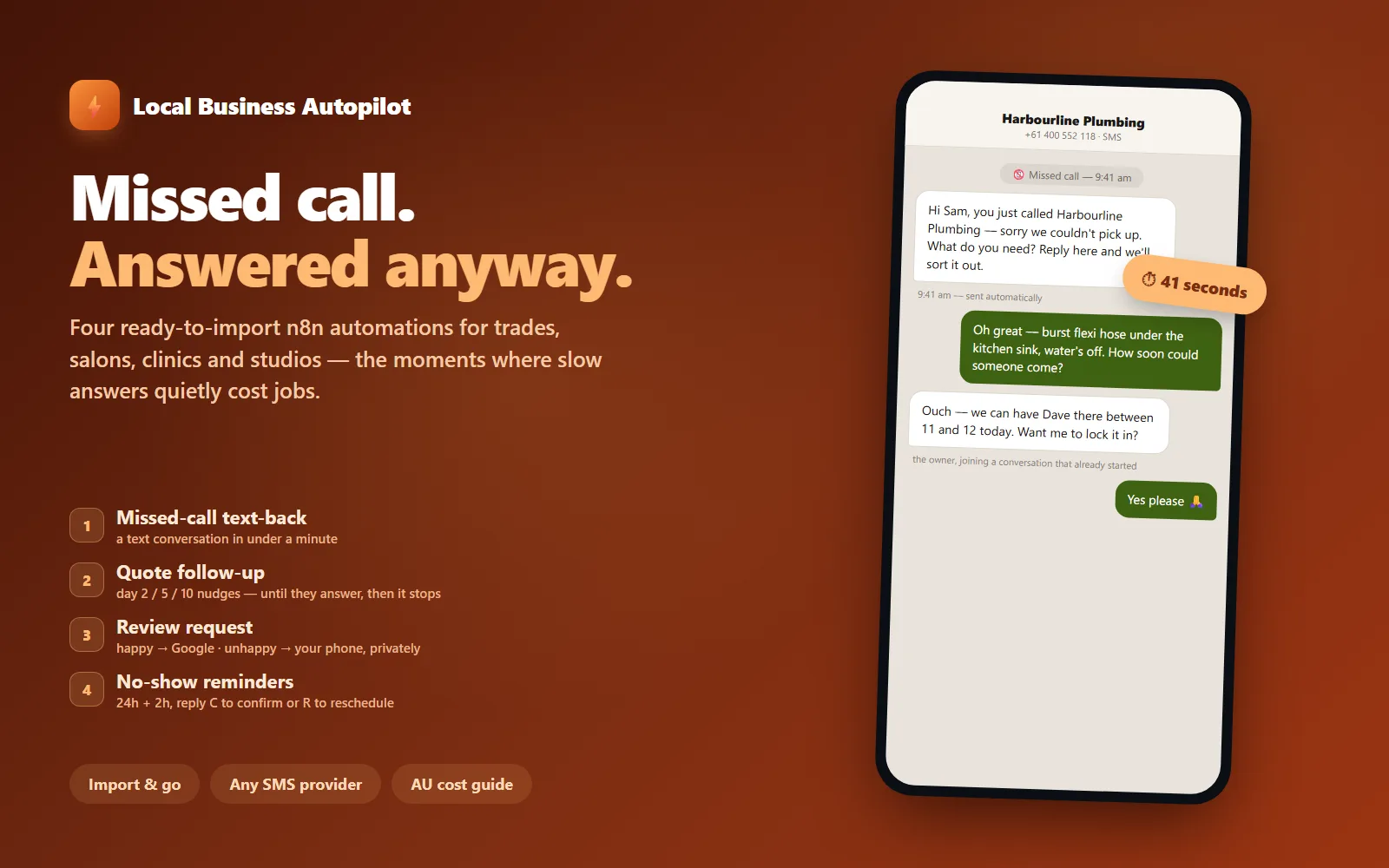
Local Business Autopilot — 4 n8n Automations
Four ready-to-import n8n automations for local service businesses: missed-call text-back, quote follow-up, review requests with an unhappy fork, and no-show reminders.
Simulation onlyFlowForge Studio$129