Preparing for launch…
Invoice Chaser for Xero
Polite, persistent invoice follow-ups for Xero that recover late payments without you writing a single email.
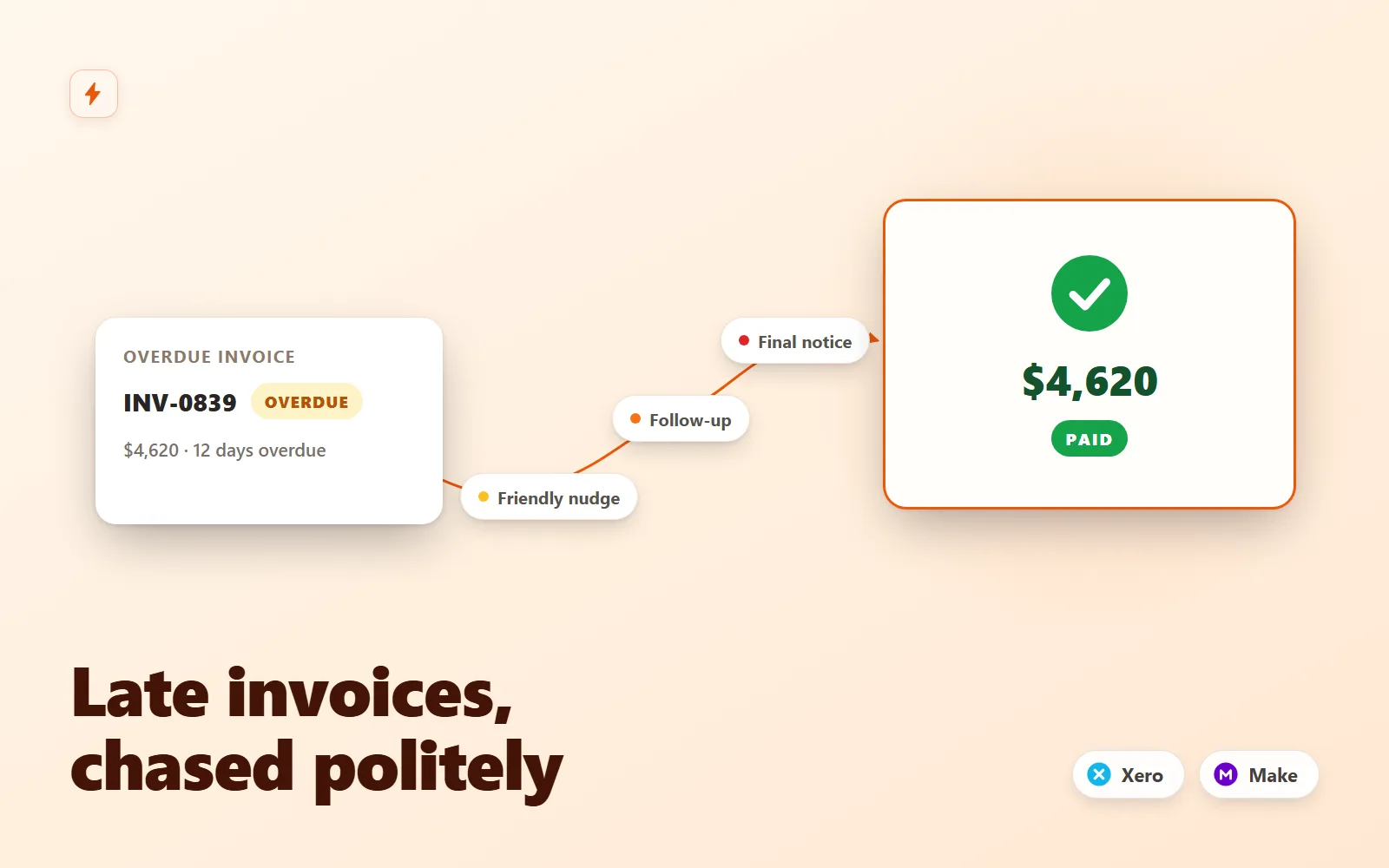
What it does & who it's for
Chasing invoices is the job everyone hates and everyone postpones. Invoice Chaser is a Make.com scenario that sweeps your Xero organisation every morning and runs a graduated reminder ladder for you: a friendly nudge at 3 days overdue, a firmer follow-up with the invoice PDF attached at 10, and a final notice at 21 — at which point it stops emailing and pings you in Slack, because day 21+ is phone-call territory. The moment a customer pays, the chasing stops itself and they get a warm thank-you instead, with a celebratory ping to your team. The engineering is deliberately simple and safe. Each tier matches an exact days-overdue value, so every invoice receives each reminder exactly once — no database, no sent-log, no duplicate emails, ever. Paid invoices can never match a reminder tier. Invoices you never want chased are excluded by putting NOCHASE in the Xero reference, part-payments are chased for the remaining balance only, and every email carries the invoice's real Xero online-payment link so paying is one click. A Monday morning Slack digest lists every overdue invoice — including the ones that can never be chased because the contact has no email address, so nothing rots silently. The tone of the emails matters more than people think. All four templates are written in a plain, good-faith Australian business voice: the amount and invoice number up front, one obvious action, and always an easy out ("already paid? ignore this"). Escalation happens through structure, not rudeness — and the ladder deliberately ships no legal-threat template, because a fourth automated email recovers nothing and burns the relationship. Every template is editable HTML plus plain text, with an escalation-policy guide covering exactly which filter to touch when you want different rungs, extra rungs, weekday-only sending, or a backlog swept. Setup is genuinely beginner-friendly: import one blueprint, connect Xero (the guide covers the OAuth scopes and picking the right organisation), your mailbox and Slack, set three variables, and schedule it daily at 8am. Safe mode is one field — set safeModeCc to your address and every customer email is CC'd to you for a supervised first week. The setup guide includes a completely safe test path using a draft invoice in Xero (drafts are invisible to the trigger), and the interactive demo replays the exact module logic on a sample ledger — run it and you will see every filter decision and every email this scenario would send, before you buy.
What's included
- invoice-chaser.blueprint.json — importable Make.com scenario (13 modules: Xero daily sweep, days-overdue maths, pay-link lookup, 5-route escalation router with filters, invoice-PDF attachment, 3 Slack posts) - README-setup.md — import steps, Xero connection scopes and organisation (tenant) selection, mailbox and Slack setup, scheduling rules, the draft-invoice safe test path, go-live checklist, troubleshooting table - email-templates.md — all four customer emails (friendly nudge, firm follow-up, final notice, thank-you) in HTML and plain text, polite AU business tone, plus the three Slack message formats and a variable reference - escalation-policy-guide.md — how the 3/10/21 ladder decides, and exactly how to move rungs, add rungs, exclude customers (NOCHASE), handle an existing backlog, and go business-days-only - sample-payload.json — five realistic invoice bundles as the Xero trigger outputs them (one per route) - sample-run.md — a full narrated morning run over that data: every filter verdict, every email, every Slack post, and the ops maths - Safe mode — one variable CCs every customer email to you for a supervised first week
What's not included
- A Xero subscription or a Make.com subscription (free Make tier is fine for small ledgers — the README shows the operations maths) - Debt collection, letters of demand or legal escalation templates — the ladder deliberately stops at a firm final notice and hands over to a human - Phone or SMS reminders (email + Slack only) - Multi-organisation chasing in one scenario — one Xero org per import; duplicate the scenario for a second org - Custom development beyond the documented configuration points
Requirements
A Xero organisation with invoicing enabled (online invoices switched on for your branding theme, so the pay-now links work — the guide shows where). A Make.com account: the free tier genuinely covers a small ledger (up to roughly 12 open invoices on a typical morning); Core recommended beyond that. A mailbox to send from — Gmail / Google Workspace, Microsoft 365, or any SMTP relay. A Slack workspace for the owner alerts, paid pings and the Monday digest (a free workspace is fine).
Setup instructions
1. In Make, create a new scenario and use Import Blueprint to load invoice-chaser.blueprint.json. 2. Create the Xero connection on module 1 — sign in and pick the organisation to chase (README section 2.1 covers the scopes and tenant selection) — then assign the same connection in modules 3 and 6. 3. Create your mailbox connection on module 5 and assign it in modules 7, 8 and 10; create the Slack connection on module 9 and assign it in modules 11 and 13, then invite the bot to #accounts-receivable (or change the channel). 4. In module 2, set businessName and accountsEmail, and set safeModeCc to your own address for a supervised first week. 5. Test safely with a draft invoice per README section 4 — drafts are invisible to the trigger, and backdating the due date lets you fire each tier at yourself before any customer can be emailed. 6. Schedule the scenario once per day at 8:00 am (your timezone), work through the go-live checklist, and switch it on.
Version history
- v1.0Latest4 Aug 2026
Licence & terms
Licence terms
Single-project commercial licence. You may import, modify and run this scenario for one business (one Xero organisation's receivables), including commercial use, and adapt the emails, filters and modules freely for that business. You may not resell, redistribute, sublicense or repackage the blueprint or its documentation (modified or not) as a template, product or part of a marketplace listing. For additional businesses or client installs, purchase additional licences.
Refund policy
14-day refund policy: if the product is materially not as described — the blueprint does not import into Make.com, or a documented feature is absent — contact us within 14 days of purchase for a full refund. Please run the interactive demo before buying: it replays the exact module logic shipped in the blueprint on a sample ledger, so you can see precisely what you are getting. Refunds are not provided for lack of a Xero, Make.com, mailbox or Slack account listed under requirements. Refunds are not offered for change of mind. An approved refund ends your licence to the product — you must delete all copies of the files and stop using them.
Support terms
Email support covers importing the blueprint, creating the documented connections (Xero, mailbox, Slack), the safe-test procedure, and questions about the shipped filters and templates. It does not cover custom feature development, debugging your Xero data or third-party accounts, recovering specific debts, or general Make.com consulting. Typical response within 2 business days.
These terms are snapshotted at purchase — what you see here is what applies to your order.
Reviews
No reviews yet
Reviews come from verified purchasers only, so you can trust what you read here.
More in Automation
Other listings buyers compared with this one.
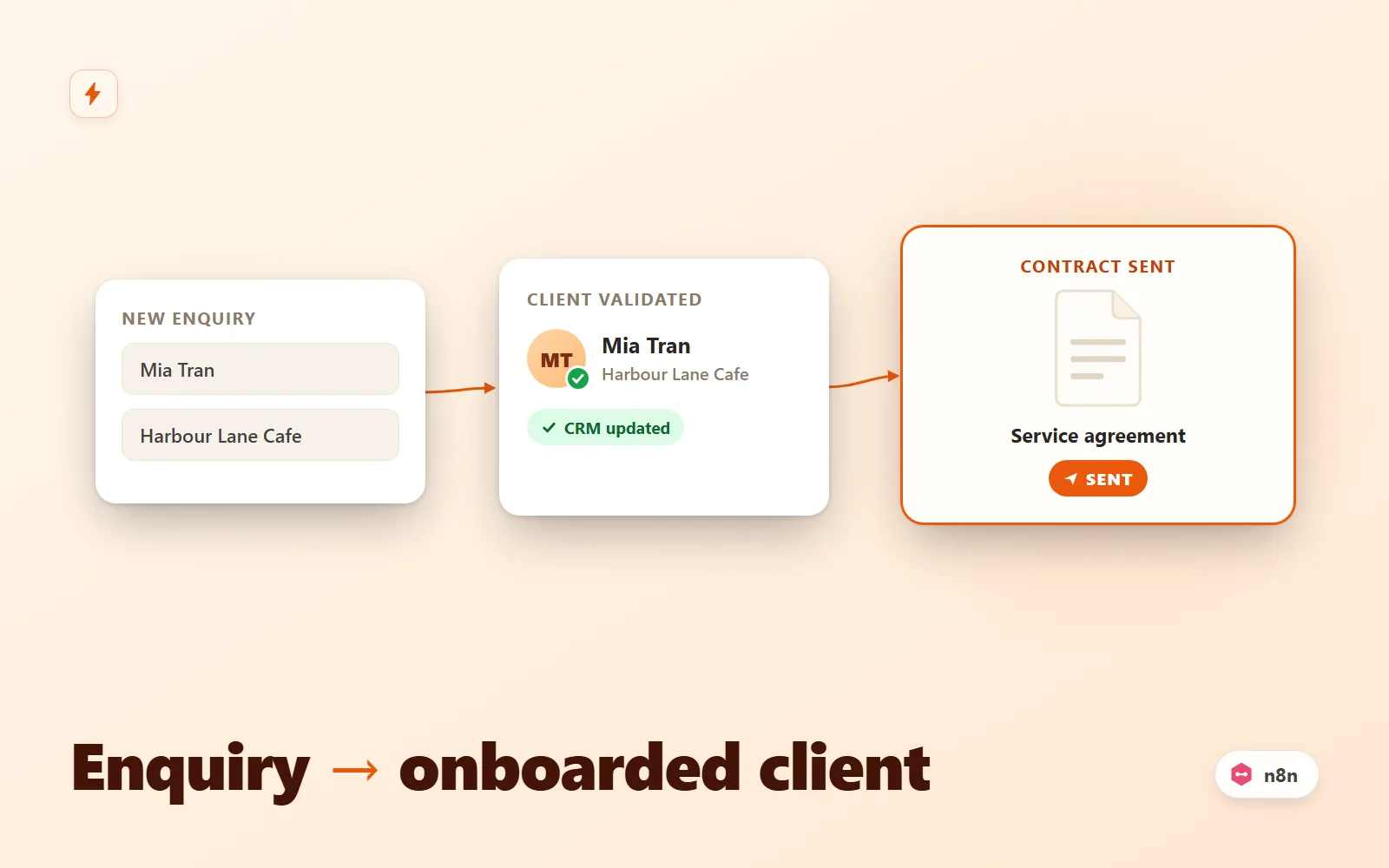 Test-run
Client Intake Autopilot (n8n)
n8n workflow that turns a form submission into an onboarded client: validate, dedupe, CRM upsert, contract email, Slack alert, reminder.
Simulation onlyFlowForge Studio$69
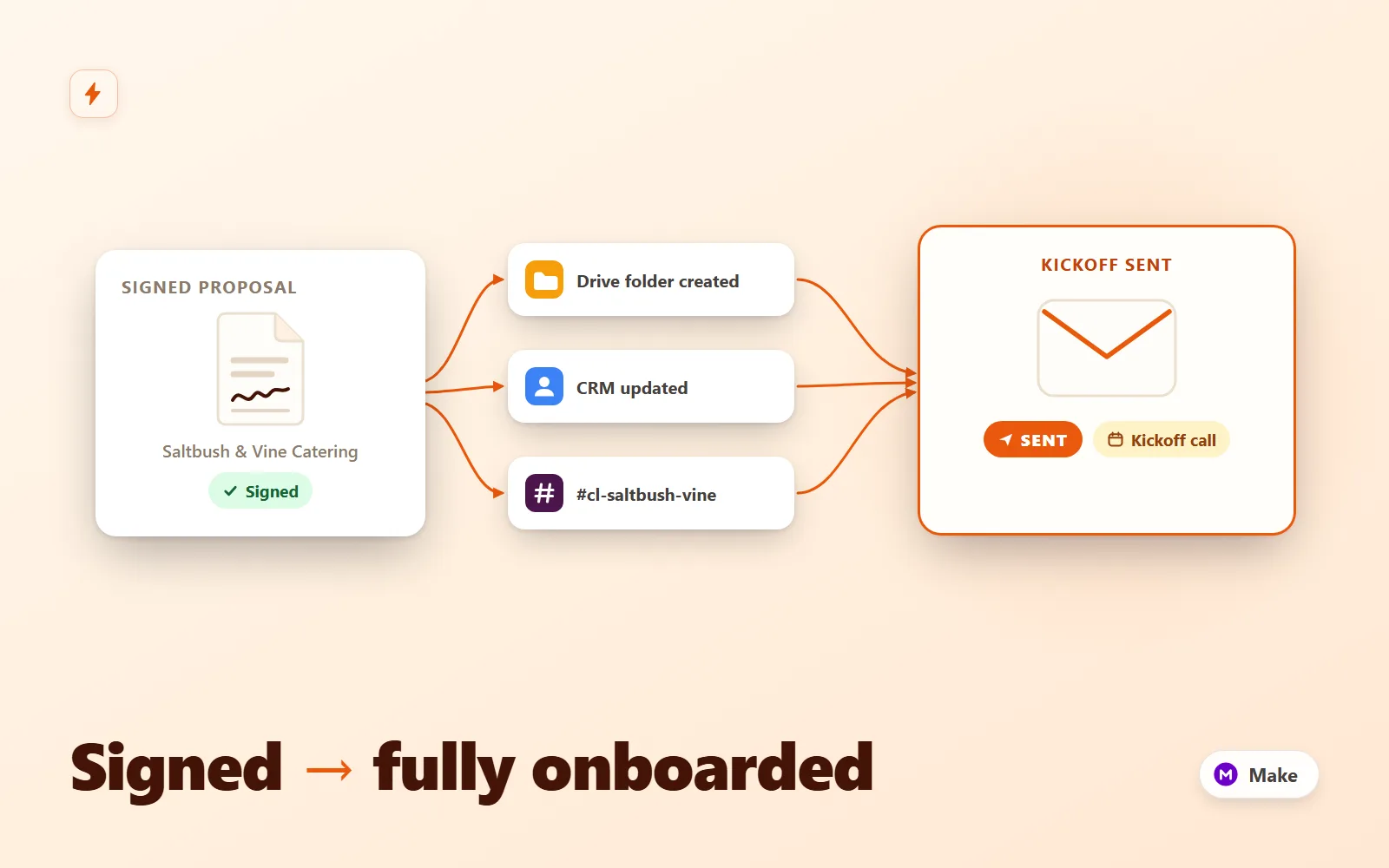 Test-run
Client Onboarding Autopilot
Make.com scenario pack that turns a signed proposal into a fully onboarded client: Drive folder tree, CRM upsert, kickoff email + questionnaire, Slack channel with your team inside, seeded task list and a day-3 questionnaire reminder.
Simulation onlyFlowForge Studio$189
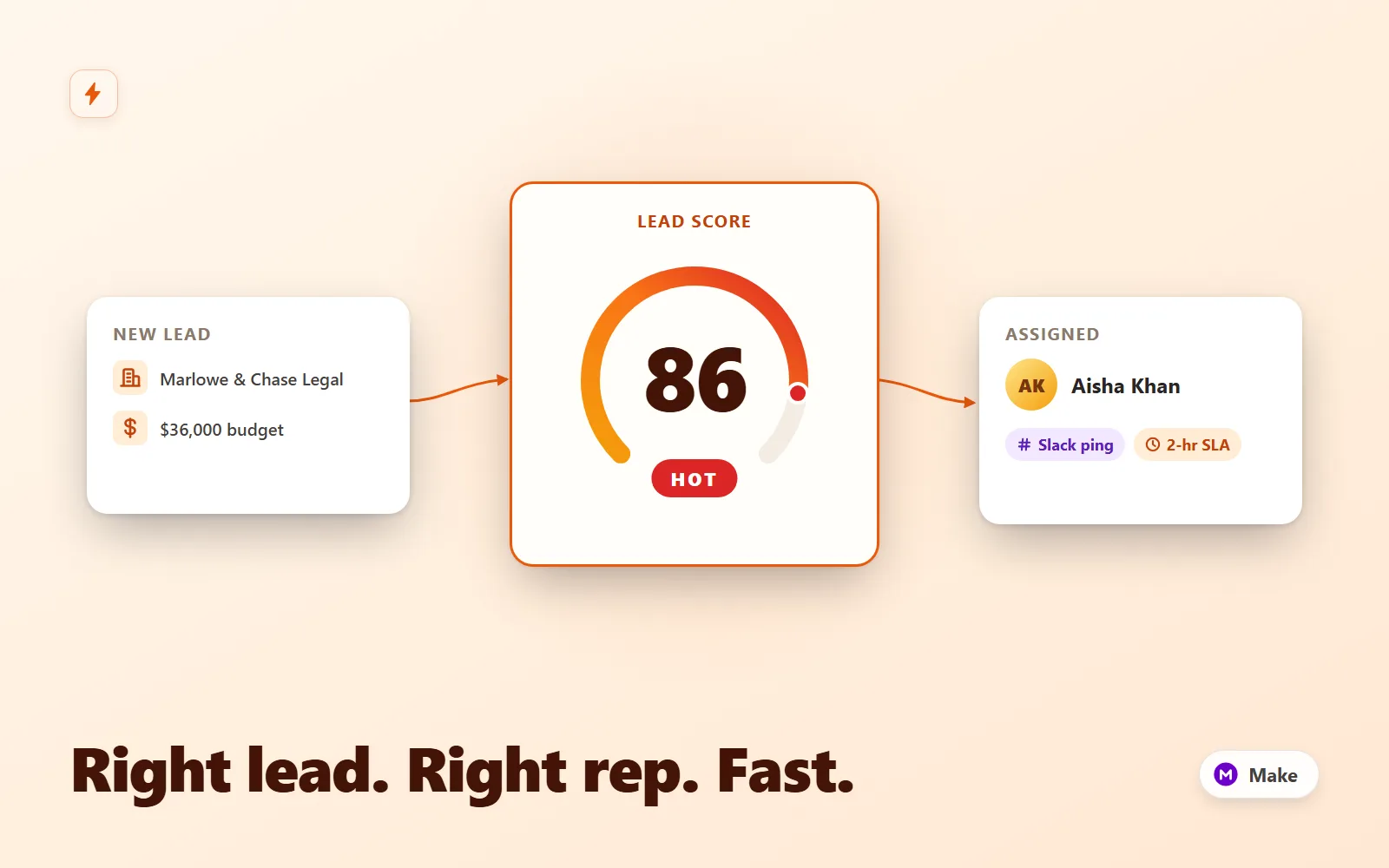 Test-run
Lead Router Pro
Make.com scenario that scores inbound leads, round-robins hot ones to a rep with a Slack lead card and CRM owner, tags warm for nurture, and escalates 2-hour SLA breaches to the manager.
Simulation onlyFlowForge Studio$169
 Test-run
Local Business Autopilot — 4 n8n Automations
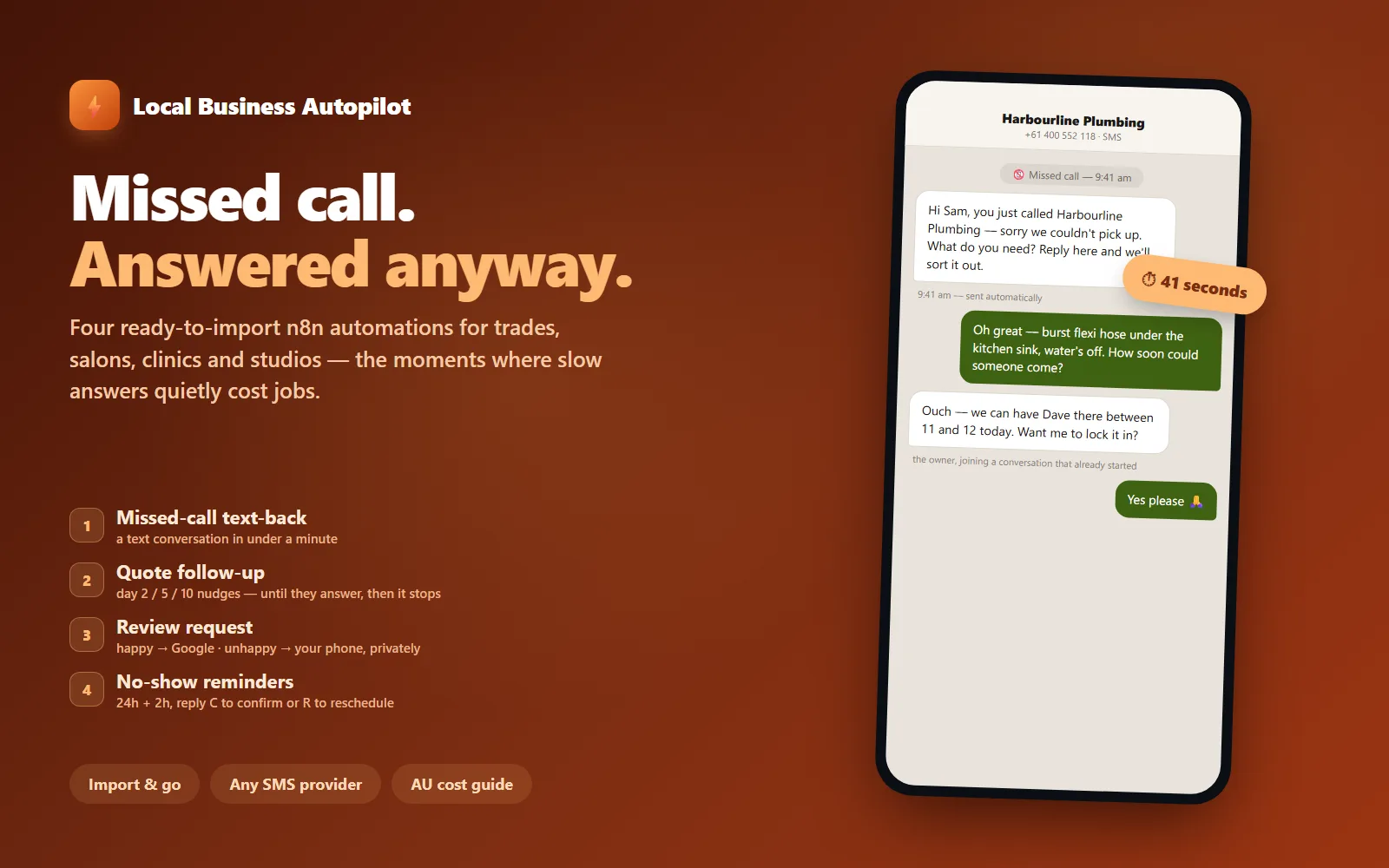
Four ready-to-import n8n automations for local service businesses: missed-call text-back, quote follow-up, review requests with an unhappy fork, and no-show reminders.
Simulation onlyFlowForge Studio$129