Preparing for launch…
Lead Router Pro
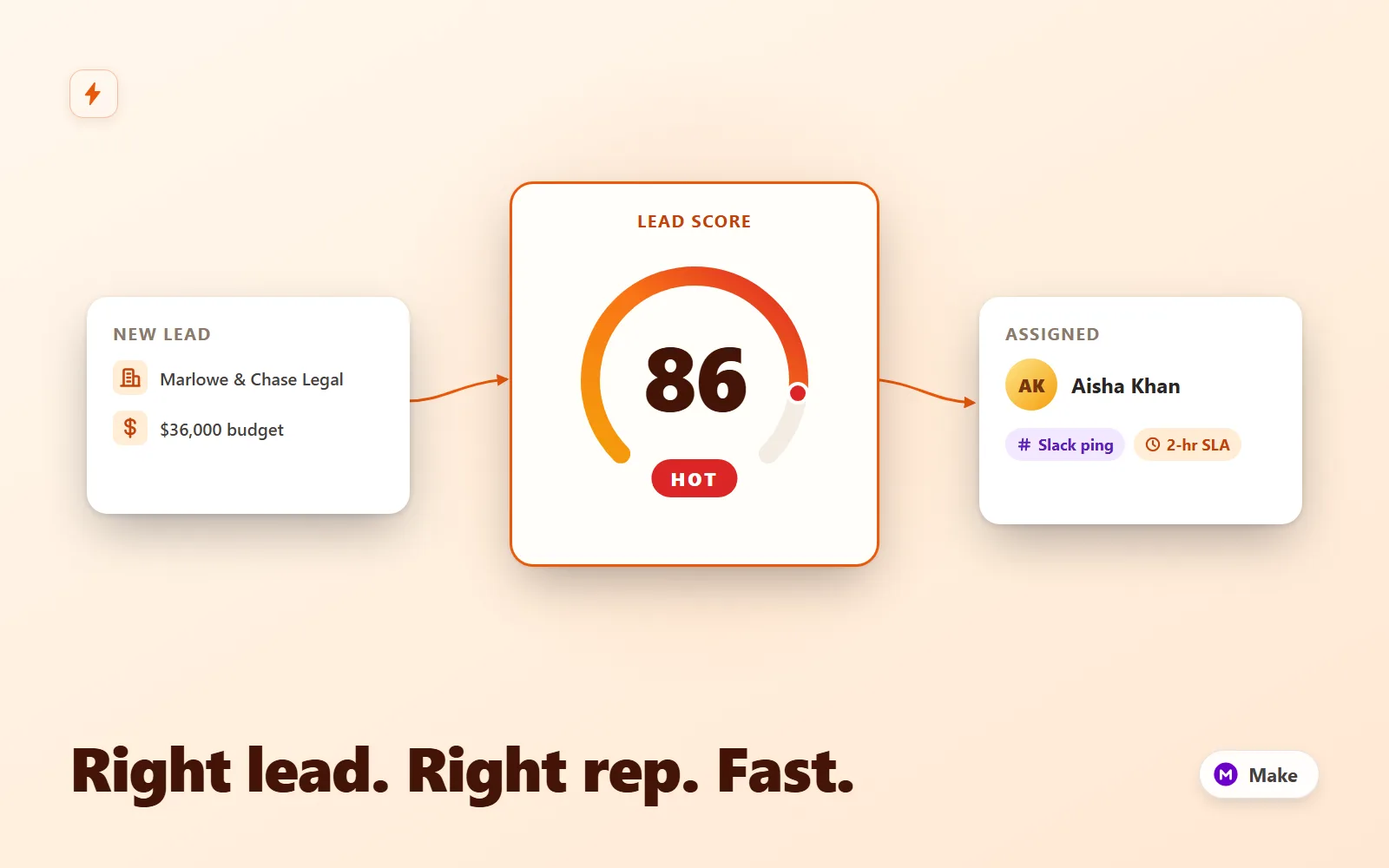
Make.com scenario that scores inbound leads, round-robins hot ones to a rep with a Slack lead card and CRM owner, tags warm for nurture, and escalates 2-hour SLA breaches to the manager.
What it does & who it's for
Speed to lead is the cheapest sales win there is: answer inside five minutes and your contact rate roughly triples. Lead Router Pro is a production-ready Make.com scenario that makes the five-minute answer automatic — and then does the thing most routers skip: it checks that a human actually acted. Every lead that hits the webhook is normalised (email lower-cased, budget strings like "$36,000" parsed to numbers, company-size selects reduced to a comparable figure), scored 0-100 on three documented axes (company size, budget band, source weighting), and routed. Hot leads (70+) are assigned to a rep by catch-up round-robin, written to your CRM with the owner set, and DMed to that rep as a Slack lead card — with a one-click acknowledge link and a 2-hour SLA timer. Warm leads (40-69) are tagged for your nurture sequence with a team FYI. Unqualified leads (under 40) get a genuinely polite auto-reply and a tidy CRM archive, so nobody wastes a call and nothing is deleted. The scoring is deliberately explainable: three axes, one table, maximum 100. The exact weights ship in scoring-model.md with worked examples and a tuning guide, and the rep's DM shows the breakdown ("24 size + 32 budget + 30 source"), because reps stop trusting a black-box number the first time it is wrong. Rotation is catch-up round-robin done properly — rep state lives in a Make data store, assignment picks the least-loaded active rep, so someone returning from leave naturally catches up instead of being buried, and reps are paused with a single boolean. The scenario ships with sequential processing ON so the read-increment-write rotation is race-safe when two leads arrive in the same second. The SLA watchdog is the part your sales manager will actually feel. Assignment opens an SLA record with a 2-hour deadline; the rep's acknowledge link closes it via the same webhook (with a proper confirmation page); and an always-on sweep route escalates any lead still unacknowledged past its deadline — straight to the manager's DMs, exactly once per breach. Make cannot sleep a scenario for two hours, so the watchdog uses the honest pattern: every incoming event sweeps, and a free 15-minute cron ping guarantees the promise on quiet days. The setup guide includes it, and the demo simulates the whole breach path. Everything is the real Make blueprint export format: 21 typed modules across five filtered routes — gateway:CustomWebHook, three util:SetVariables mapper steps carrying the scoring formulas, builtin:BasicRouter with filter conditions on every branch, six datastore modules for rotation and SLA state, slack:CreateMessage for DMs and channel posts, email:ActionSendEmail for the auto-reply, and gateway:WebhookRespond for the ack page. The three CRM touches are HTTP modules calling HubSpot's batch-upsert endpoint (upsert on email = no duplicate contacts, ever), with the full Pipedrive swap documented — one blueprint, either CRM. Connections and tokens are named placeholders you attach once after import. You could wire this yourself — the difference is the edge-case work already done: currency-string and "51-200" select parsing, guard filters so a control ping can never email an empty address or touch your CRM, escalations that fire exactly once, a router route order that handles ack callbacks before lead logic, and documentation that explains every threshold in four places that must agree. Try the interactive demo first: it runs the same scoring rules in-page on the three shipped sample leads, animates every module hop with the real transformed data, and includes the SLA-breach run.
What's included
- lead-router-pro.blueprint.json — importable Make.com scenario (21 modules, 5 filtered routes, real blueprint export format with mappers, route filters and designer layout) - README-setup.md — import steps, both data stores with exact field schemas, Slack app scopes, CRM token setup, heartbeat configuration, go-live checklist, test commands for all five paths, troubleshooting table - scoring-model.md — the exact scoring table (size / budget / source weights), band thresholds, worked examples for all three sample leads, edge cases, and how to tune weights and thresholds safely - routing-rules-guide.md — route-by-route reference: exact filter conditions, catch-up round-robin mechanics and edge cases, SLA record lifecycle, HubSpot and Pipedrive CRM mappings, Slack templates, and a recipe for adding routes - sample-payloads.json — three realistic test leads (hot / warm / unqualified) used by the docs, the demo and your curl tests - sample-run.md — annotated end-to-end transcript: hot lead → acknowledge → alternate-ending SLA escalation, with the real data at every module
What's not included
- A Make.com account (Free imports and runs it; Core or higher recommended for headroom on operations) - Slack workspace, HubSpot or Pipedrive account, and a mailbox for the auto-reply — you connect your own - The lead form itself — any form or tool that can POST JSON to a webhook; this is the routing behind it - Lead enrichment data or subscriptions (the score uses what your form sends) - Custom development beyond the documented configuration points (weights, thresholds, routes, templates are all documented and editable)
Requirements
A Make.com account (Free plan can import and run the scenario — webhooks, data stores, router and tools modules are all core features; Core plan or higher recommended so sweeps and busy days don't exhaust the free operations quota). A Slack workspace where you can create a simple bot app (chat:write + im:write). HubSpot (free tier works — Private App token) or Pipedrive (API token). An email connection for the auto-reply (Gmail or any SMTP via Make's Email app). A lead source that can POST JSON to a webhook (Webflow, Framer, Typeform, Tally, Jotform, Fillout, Gravity Forms, or a plain HTML form with fetch()). Optional but recommended: any free cron/heartbeat service (cron-job.org, UptimeRobot) to guarantee the 2-hour SLA on quiet days.
Setup instructions
1. In Make: Scenarios → Create a new scenario → ⋯ → Import Blueprint → select lead-router-pro.blueprint.json (21 modules appear, sequential processing already ON). 2. Click module 1 and create the webhook; copy its URL. 3. Create the two data stores when prompted by the data-store modules — 'Lead Router Pro — Reps' and 'Lead Router Pro — SLA' (exact field schemas in README-setup.md section 3) — and seed one record per rep with their Slack member ID and CRM owner id. 4. Create the Slack connection (bot token with chat:write + im:write) and select it in modules 8, 13, 16 and 20; set your manager's Slack member ID in module 20. 5. Paste your HubSpot Private App token into the Authorization header of modules 12, 15 and 18 (or apply the documented Pipedrive swap), and create the three custom lead properties. 6. Rewrite the acknowledge link in module 13 with your webhook URL, connect your mailbox on module 17 and edit the auto-reply copy. 7. Point your form at the webhook, configure a 15-minute heartbeat ping ({"action":"sweep"}), switch the scenario ON, and run the three sample payloads from sample-payloads.json — hot should DM a rep within seconds.
Version history
- v1.0Latest1 Aug 2026
Licence & terms
Licence terms
Single-project commercial licence. You may import, modify and run this scenario for one business or client project, including commercial use, and adapt the scoring weights, routes, messages and documentation freely for that project. You may not resell, redistribute, sublicense or repackage the blueprint or its documentation (modified or not) as a template, product or part of a marketplace listing. For additional projects, purchase additional licences.
Refund policy
14-day refund policy: if the product is materially not as described — the blueprint does not import into Make.com, or a documented feature is absent — contact us within 14 days of purchase for a full refund. Please run the interactive demo before buying: it replays the exact module logic and scoring rules shipped in the blueprint, so you can see precisely what you are getting. Refunds are not provided for lack of a Make.com account or the third-party accounts listed under requirements. Refunds are not offered for change of mind. An approved refund ends your licence to the product — you must delete all copies of the files and stop using them.
Support terms
Email support covers importing the blueprint, creating the two data stores, connecting the documented services (Slack, HubSpot or Pipedrive, email), and questions about the shipped scoring model, routing rules and SLA watchdog. It does not cover custom feature development, debugging your form tool or third-party accounts, or general Make.com consulting. Typical response within 2 business days.
These terms are snapshotted at purchase — what you see here is what applies to your order.
Reviews
No reviews yet
Reviews come from verified purchasers only, so you can trust what you read here.
More in Automation
Other listings buyers compared with this one.
 Test-run
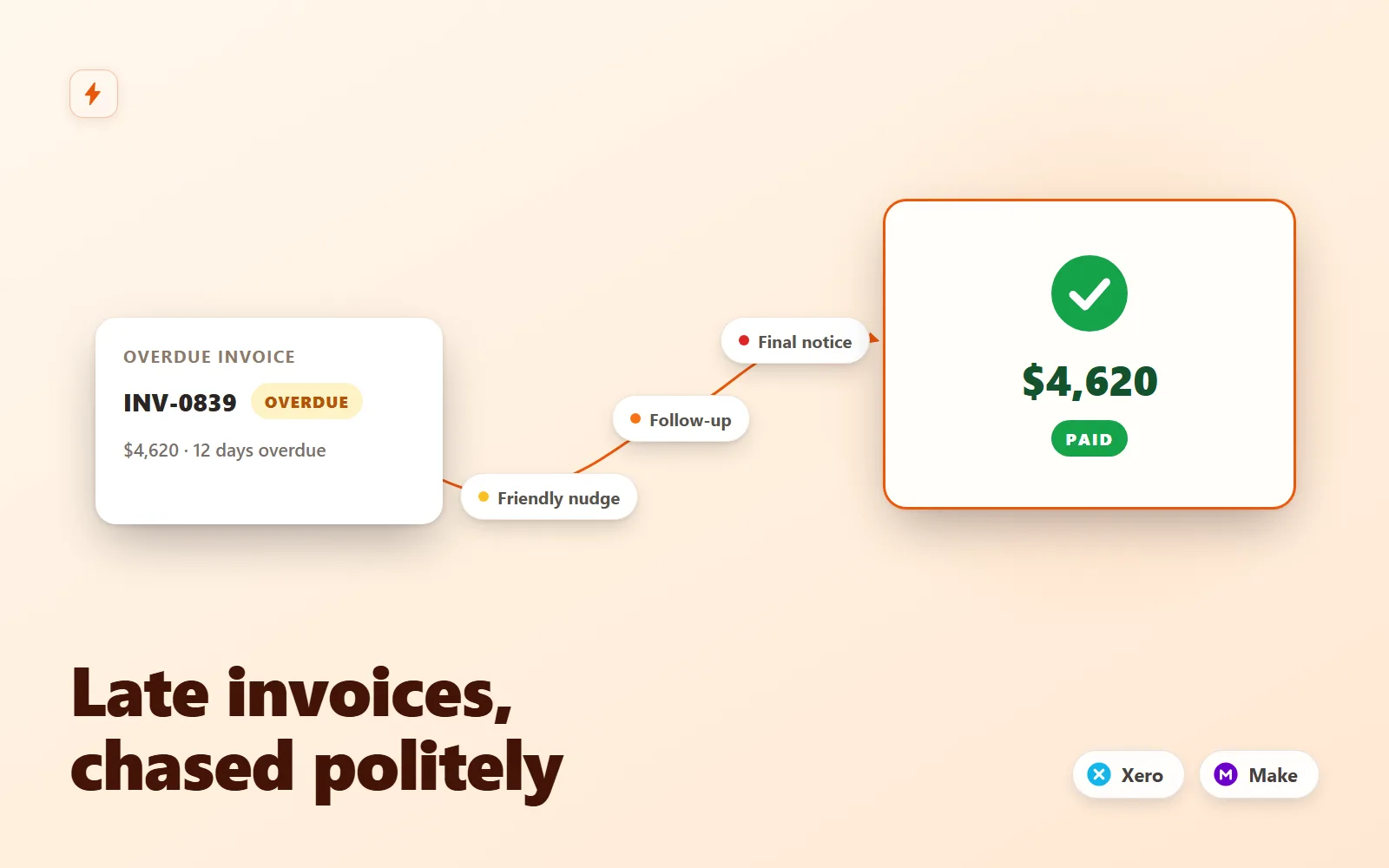
Invoice Chaser for Xero
Polite, persistent invoice follow-ups for Xero that recover late payments without you writing a single email.
Simulation onlyFlowForge Studio$129
 Test-run
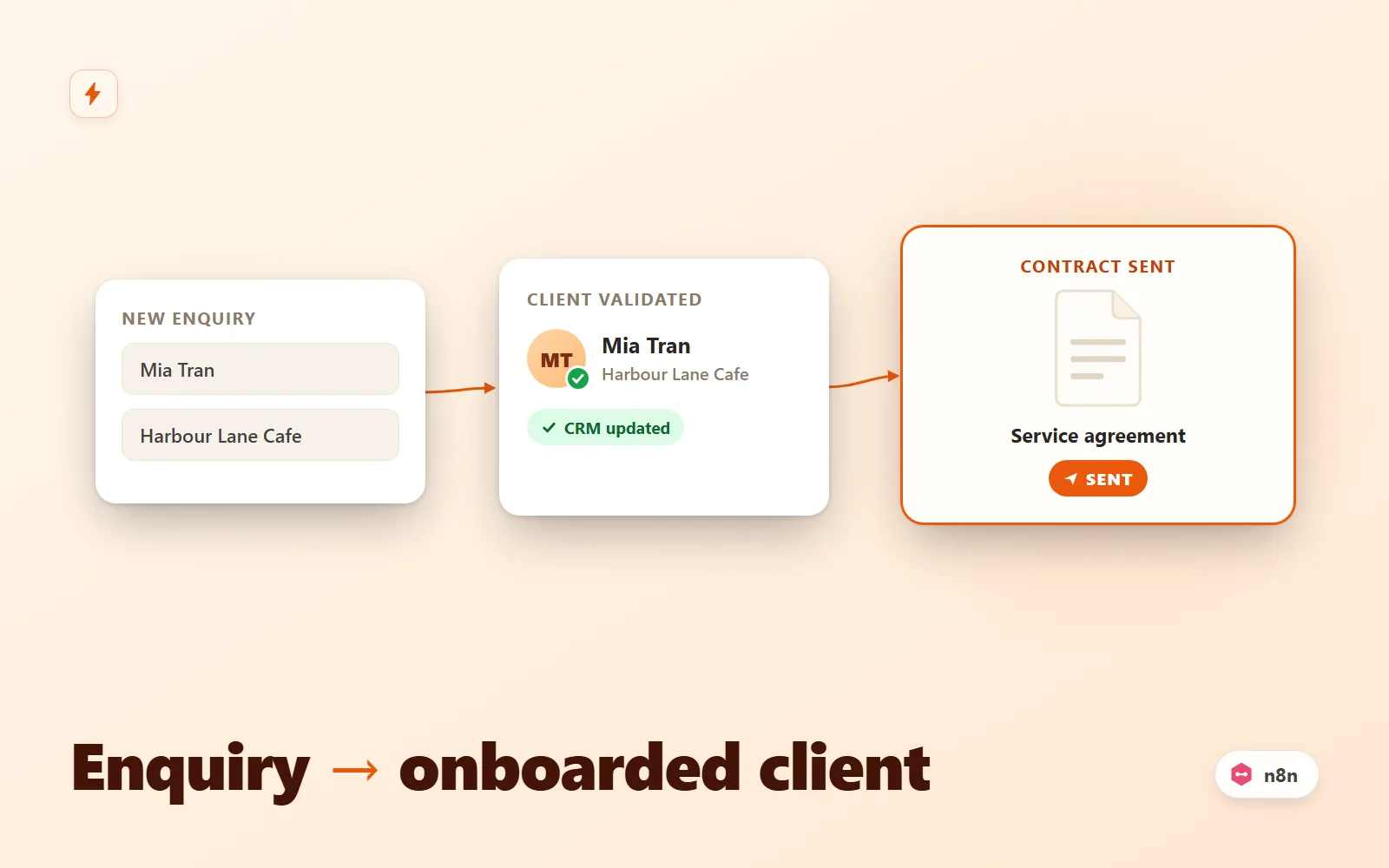
Client Intake Autopilot (n8n)
n8n workflow that turns a form submission into an onboarded client: validate, dedupe, CRM upsert, contract email, Slack alert, reminder.
Simulation onlyFlowForge Studio$69
 Test-run
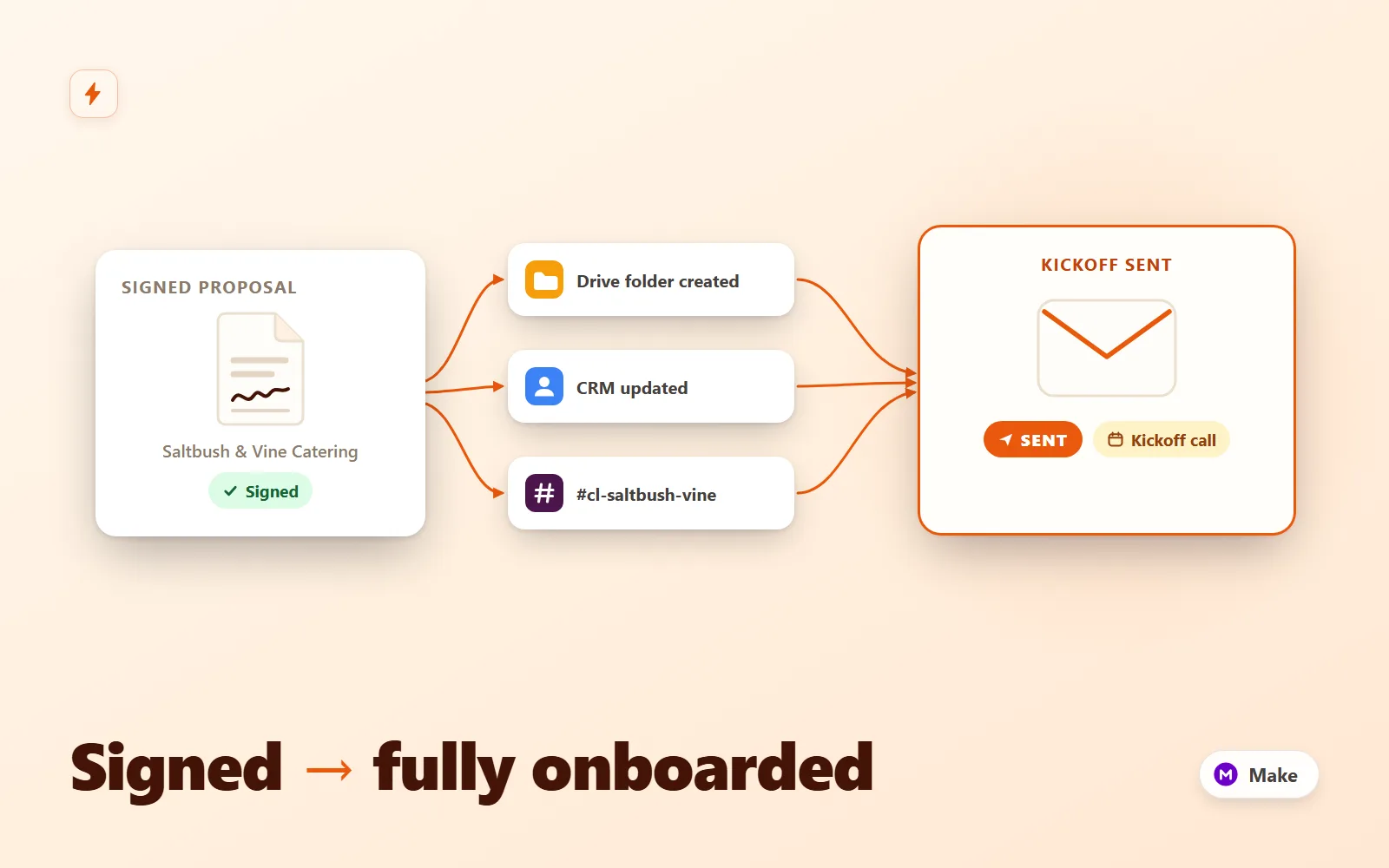
Client Onboarding Autopilot
Make.com scenario pack that turns a signed proposal into a fully onboarded client: Drive folder tree, CRM upsert, kickoff email + questionnaire, Slack channel with your team inside, seeded task list and a day-3 questionnaire reminder.
Simulation onlyFlowForge Studio$189
 Test-run
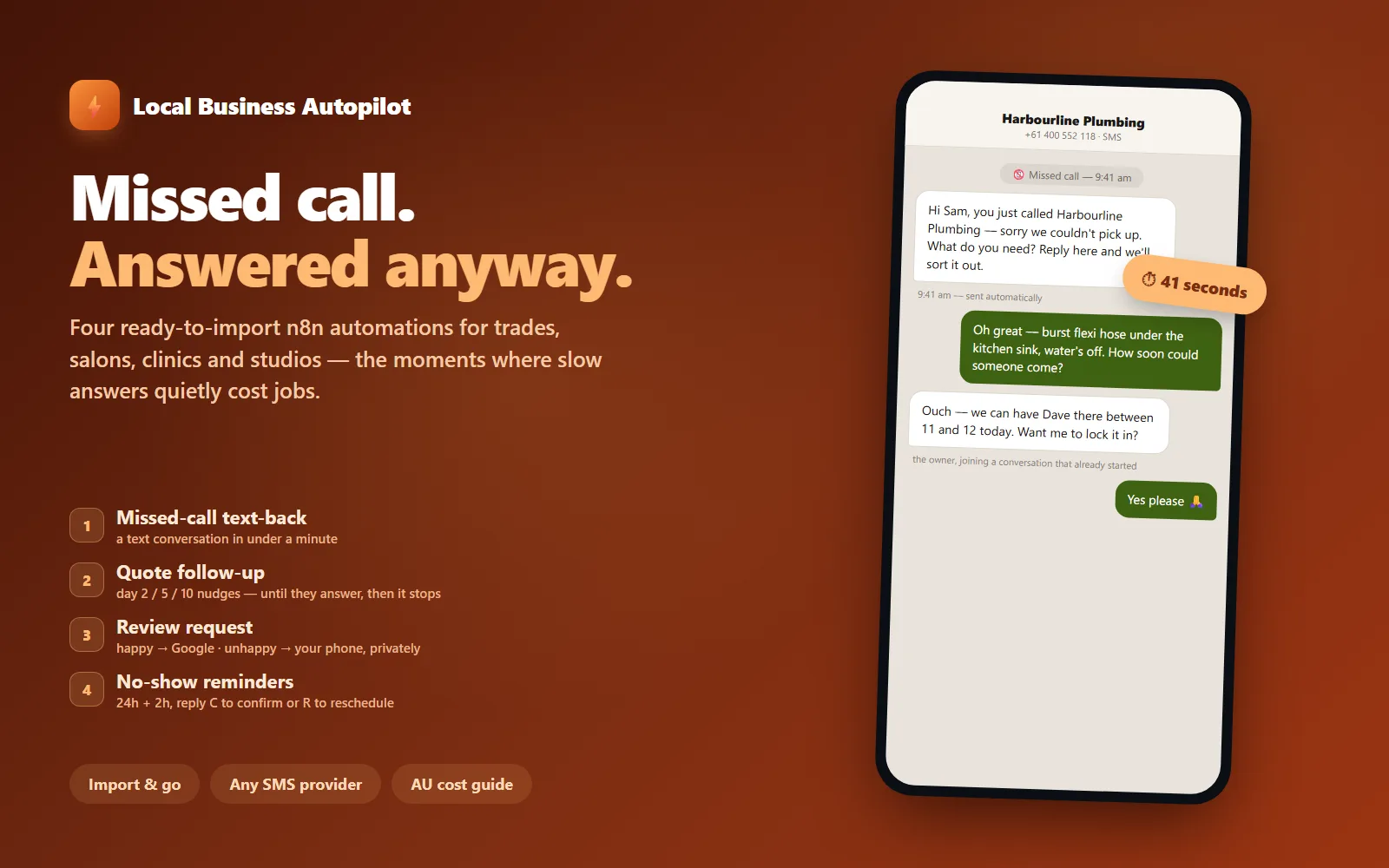
Local Business Autopilot — 4 n8n Automations
Four ready-to-import n8n automations for local service businesses: missed-call text-back, quote follow-up, review requests with an unhappy fork, and no-show reminders.
Simulation onlyFlowForge Studio$129