Preparing for launch…
Client Onboarding Autopilot
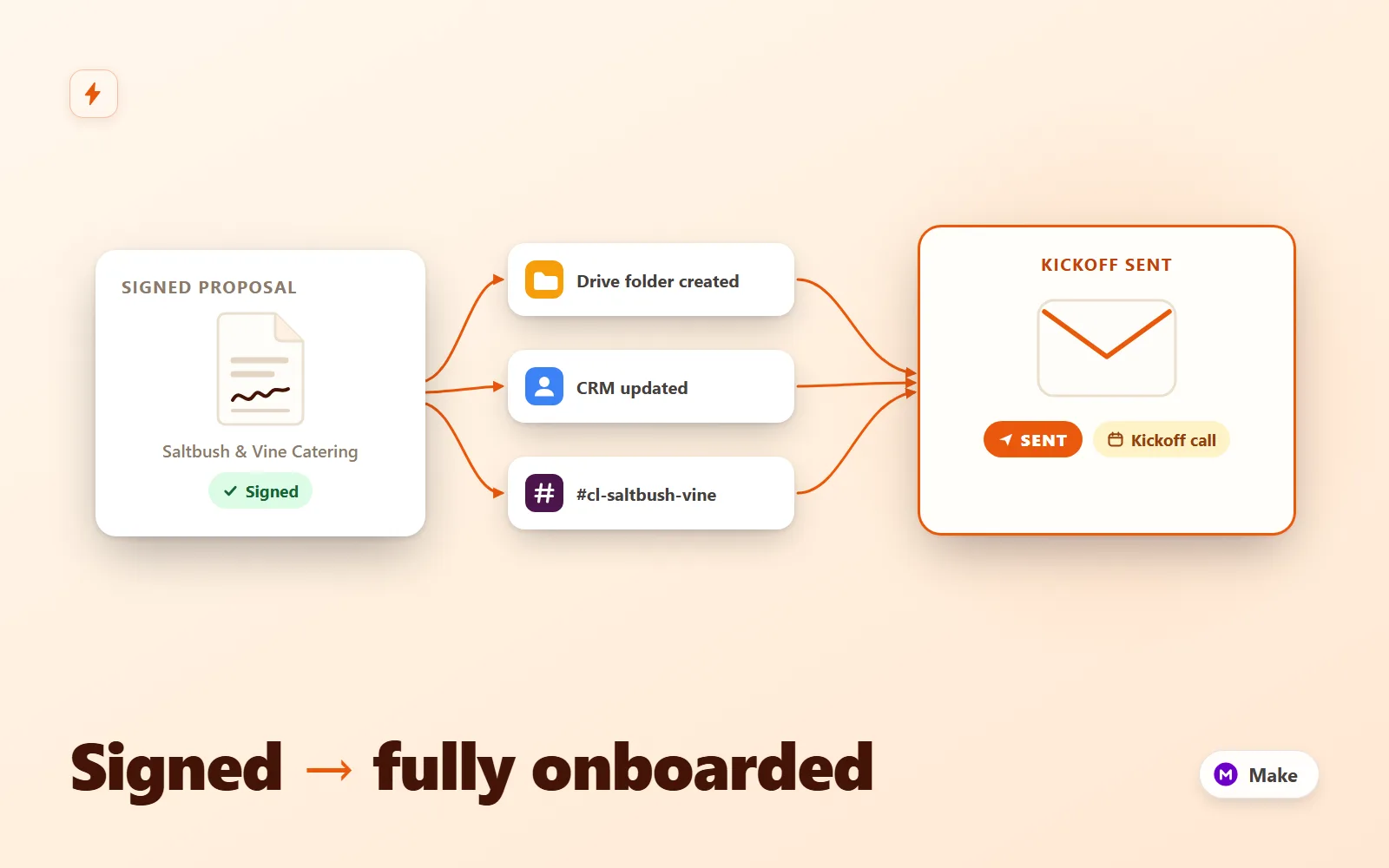
Make.com scenario pack that turns a signed proposal into a fully onboarded client: Drive folder tree, CRM upsert, kickoff email + questionnaire, Slack channel with your team inside, seeded task list and a day-3 questionnaire reminder.
What it does & who it's for
Client Onboarding Autopilot is a production-ready Make.com scenario pack that runs your entire client onboarding the moment a proposal is signed. The signature webhook fires and, before you have finished your coffee: the payload is parsed and validated (bad events get an HTTP 400 with every problem named — nothing half-onboards), a Google Drive workspace is created with six templated subfolders, the client is upserted into your CRM with the full proposal context, a kickoff email with your onboarding questionnaire link lands in their inbox, a dedicated Slack channel (cl-client-slug) is created with your delivery team invited and a kickoff brief posted, and six templated tasks are seeded into your project tool with staggered due dates. Three days later, if the questionnaire still has not come back, the client gets one polite reminder and your team gets a nudge in the client's channel — then it stops. Nobody is ever nagged twice. It is built for studios, agencies and consultancies where onboarding is a checklist someone runs by hand — usually late, occasionally half-done. Every branch point ships both ways: HubSpot is the default CRM with a full Airtable alternative behind a router (search on email, then update-or-create, so both branches are true upserts and a re-signed proposal never duplicates a client); Asana is the default task tool with an identical ClickUp branch; and the trigger is a tool-agnostic webhook with documented wiring for PandaDoc and DocuSign, including per-field payload mapping tables and a native-trigger variant if you prefer OAuth to webhooks. Everything is the real Make blueprint format: two importable scenarios totalling 30 modules — routers with named filters on every branch, an iterator/aggregator pair for the folder template, connection placeholders you attach once after import, and canvas notes documenting each stage. The 3-day reminder is engineered honestly: Make's Sleep module caps at 5 minutes, so instead of a fragile sleeping execution this pack uses a daily sweep scenario that reads reminder state from your CRM (sent / submitted / reminded flags) and posts a questionnaire_reminder event back to the main webhook, where a twice-filtered route sends the nudge. State lives in your CRM, so redeploys and incidents can never lose or double-fire a reminder — and the whole pattern costs 1-2 operations a day. The difference between this and wiring it yourself is the edge-case work already done: multi-error validation instead of fail-on-first, instant 200 responses so your e-sign tool never times out, upserts everywhere a duplicate could hide, three independent guards on the reminder, documented handlers for re-signed proposals and taken Slack channel names, and a field-mapping guide that covers adding your own fields end to end. Setup is 60-90 minutes with the included guide, which walks every module, every credential and every placeholder. Try the interactive demo first — it replays the exact module logic on a sample client, hop by hop, including the day-3 reminder and the 400 rejection path, so you can see precisely what you are buying.
What's included
- client-onboarding-autopilot.blueprint.json — the main importable Make scenario (27 modules: webhook intake, validation, 400/200 responses, Drive folder tree via iterator/aggregator, HubSpot + Airtable CRM router, kickoff email, Slack channel/invite/brief, Asana + ClickUp task router, filtered day-3 reminder route) - questionnaire-reminder-sweep.blueprint.json — the daily companion scenario that finds clients 3+ days overdue on the questionnaire and triggers their reminder via the main webhook - README-setup.md — import steps, connection setup per module (Google Drive, HubSpot, Airtable, email/SMTP, Slack, Asana, ClickUp), go-live checklist, curl tests, PandaDoc/DocuSign wiring, edge-case handlers, troubleshooting table - folder-structure-template.md — the six-subfolder Drive template with naming rationale, agency/retainer/bookkeeping variants, sharing and idempotency patterns - email-templates.md — kickoff and reminder emails in HTML and plain text with the full Make variable reference - field-mapping-guide.md — webhook payload contract for both event types, HubSpot custom-property list, Airtable table schema, task-template fields, PandaDoc and DocuSign mapping tables, worked example for adding your own field - sample-payload.json — realistic signed-proposal event for curl and dry runs - sample-run.md — the sample client traced through every module with the exact transformed values, day 0 and day 3
What's not included
- A Make.com account (any plan with custom webhooks and scheduled scenarios; a typical onboarding uses ~20 operations) - Google, HubSpot/Airtable, Slack, Asana/ClickUp accounts or your mailbox/SMTP credentials - The onboarding questionnaire form itself — the scenario links to whatever form you use (Tally, Typeform, Fillout, Jotform); prefill parameters are documented - An e-signature/proposal tool — PandaDoc and DocuSign wiring is documented, and any tool that can POST JSON works - Custom scenario changes beyond the documented configuration points (available as paid work)
Requirements
Make.com account (free tier works for testing; any paid plan for production webhooks + daily scheduling). A Google account with Drive access. HubSpot (any tier that allows custom contact properties) OR an Airtable base with a Personal Access Token. An SMTP mailbox or transactional relay for outbound email. A Slack workspace where you can create a simple bot app. An Asana workspace or ClickUp list for task seeding. An e-signature or proposal tool that can call a webhook on signature (PandaDoc, DocuSign, or anything that can POST JSON).
Setup instructions
1. In Make, import client-onboarding-autopilot.blueprint.json (Scenarios -> Create -> Import Blueprint) and let it create the client-onboarding-events webhook; copy the URL. Import questionnaire-reminder-sweep.blueprint.json as a second scenario. 2. Create the HubSpot custom contact properties (or the Airtable Clients table) exactly as listed in field-mapping-guide.md — the reminder state machine lives in these fields. 3. Work left to right through the main scenario attaching your connections: Google Drive (set your Clients parent folder ID), HubSpot or Airtable, email/SMTP (change the From address in both email modules), Slack (create the bot with the documented scopes, set your team member IDs in the invite module), Asana or ClickUp (pick workspace/project or list). 4. In the Parse & Validate module, change the questionnaireUrl base to your real onboarding form. 5. In the sweep scenario, attach the CRM connection, paste the webhook URL into the HTTP module, and schedule it daily at 09:00. 6. Point your e-signature tool at the webhook (PandaDoc/DocuSign recipes in README section 4), switch both scenarios on, and run the two curl tests from README section 5 — one valid onboarding (expect folders, contact, email, Slack channel and tasks), one invalid payload (expect a 400 with named errors and zero side effects).
Version history
- v1.0Latest2 Aug 2026
Licence & terms
Licence terms
Single-project commercial licence. You may import, modify and run both scenarios for one business or client project, including commercial use, and adapt the folder template, emails, field mappings and modules freely for that project. You may not resell, redistribute, sublicense or repackage the blueprints or their documentation (modified or not) as a template, product or part of a marketplace listing. For additional projects, purchase additional licences.
Refund policy
14-day refund policy: if the product is materially not as described — a blueprint does not import into Make.com, or a documented feature is absent — contact us within 14 days of purchase for a full refund. Please run the interactive demo before buying: it replays the exact module logic shipped in the blueprints, including the reminder and rejection paths, so you can see precisely what you are getting. Refunds are not provided for lack of a Make.com account or the third-party accounts listed under requirements. Refunds are not offered for change of mind. An approved refund ends your licence to the product — you must delete all copies of the files and stop using them.
Support terms
Email support covers importing both blueprints, connecting the documented services (Google Drive, HubSpot, Airtable, email/SMTP, Slack, Asana, ClickUp), the PandaDoc/DocuSign wiring recipes, and questions about the shipped field mappings, templates and reminder mechanics. It does not cover custom feature development, debugging your e-signature or form tools, or general Make.com consulting. Typical response within 2 business days.
These terms are snapshotted at purchase — what you see here is what applies to your order.
Reviews
No reviews yet
Reviews come from verified purchasers only, so you can trust what you read here.
More in Automation
Other listings buyers compared with this one.
 Test-run
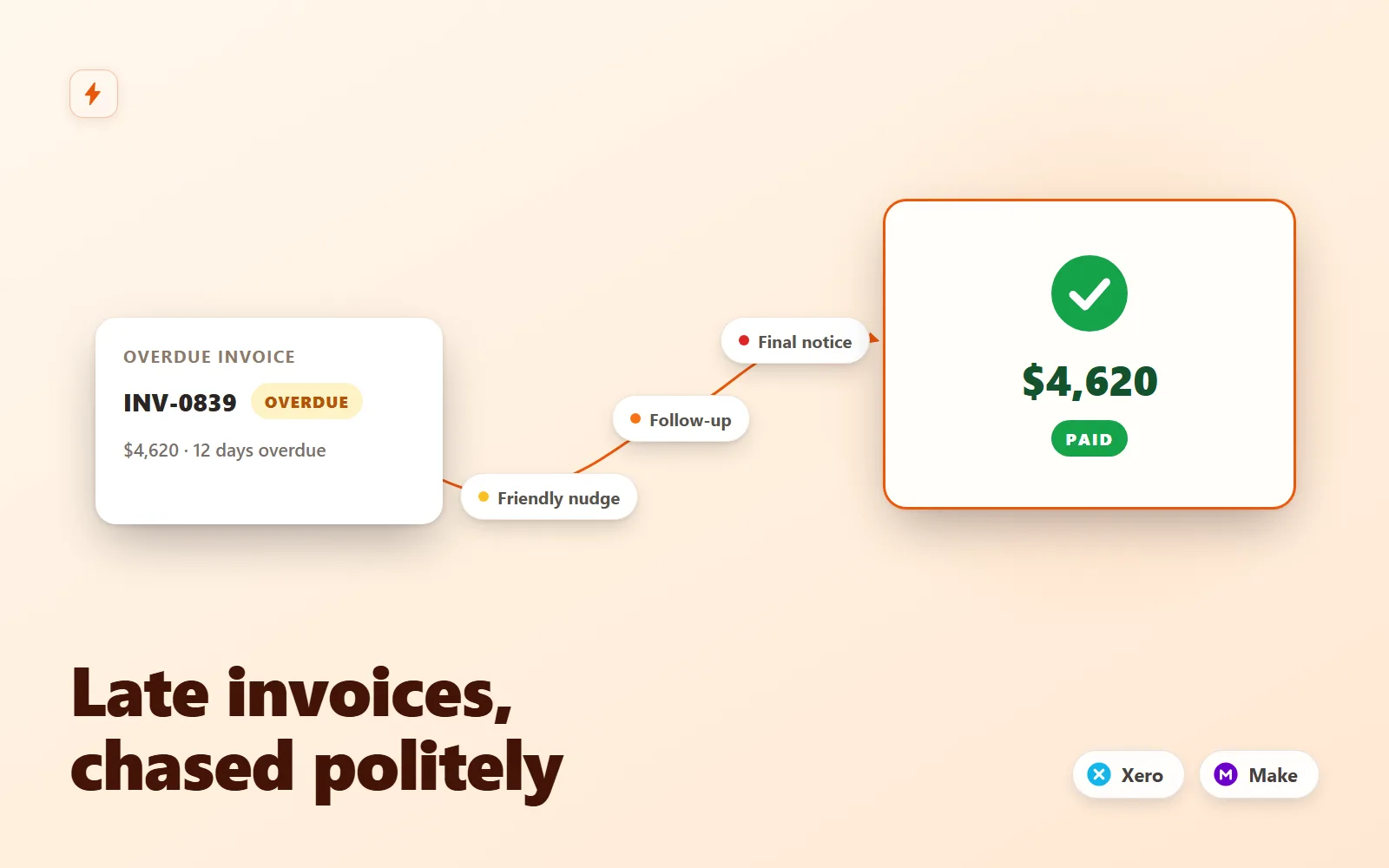
Invoice Chaser for Xero
Polite, persistent invoice follow-ups for Xero that recover late payments without you writing a single email.
Simulation onlyFlowForge Studio$129
 Test-run
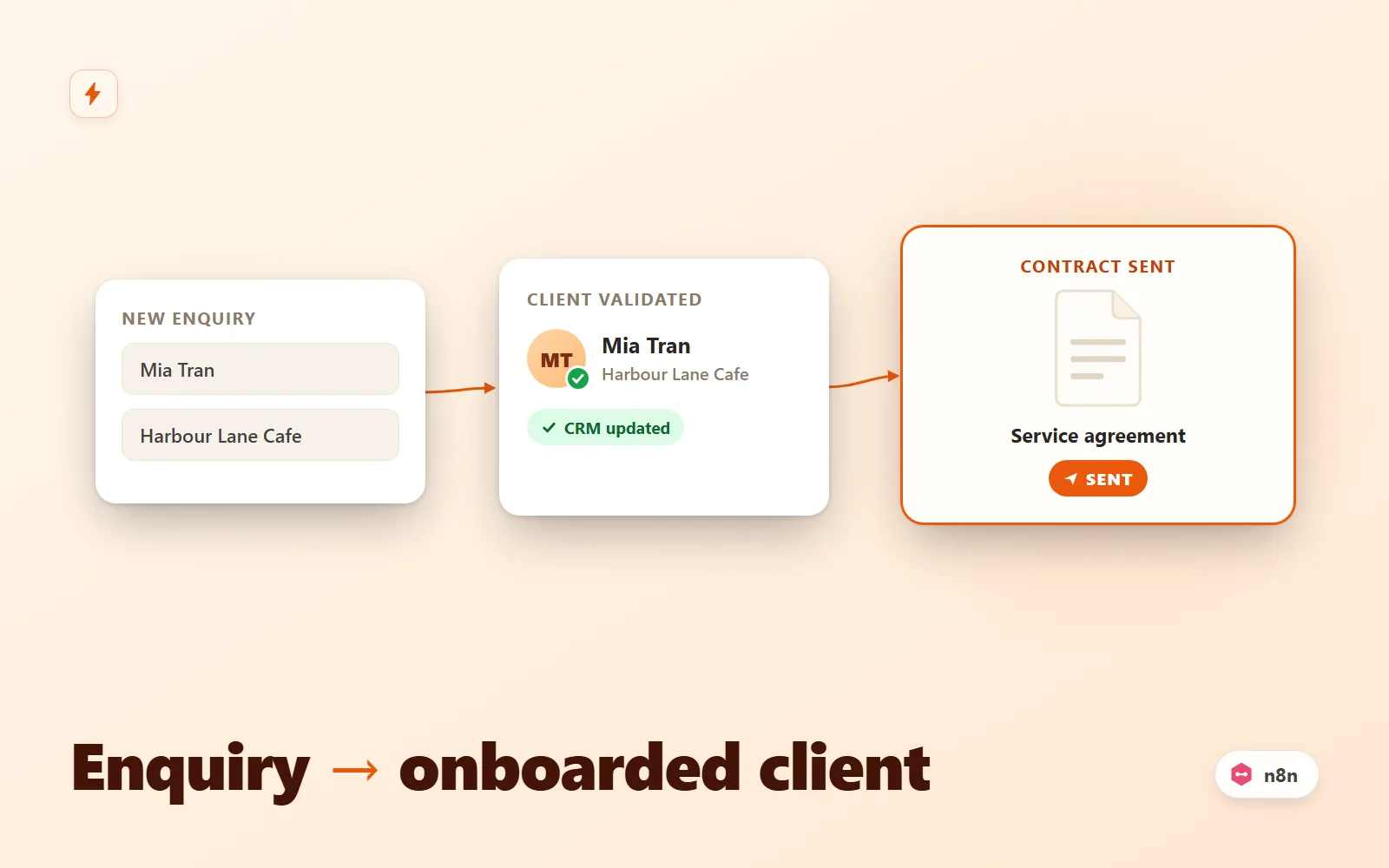
Client Intake Autopilot (n8n)
n8n workflow that turns a form submission into an onboarded client: validate, dedupe, CRM upsert, contract email, Slack alert, reminder.
Simulation onlyFlowForge Studio$69
 Test-run
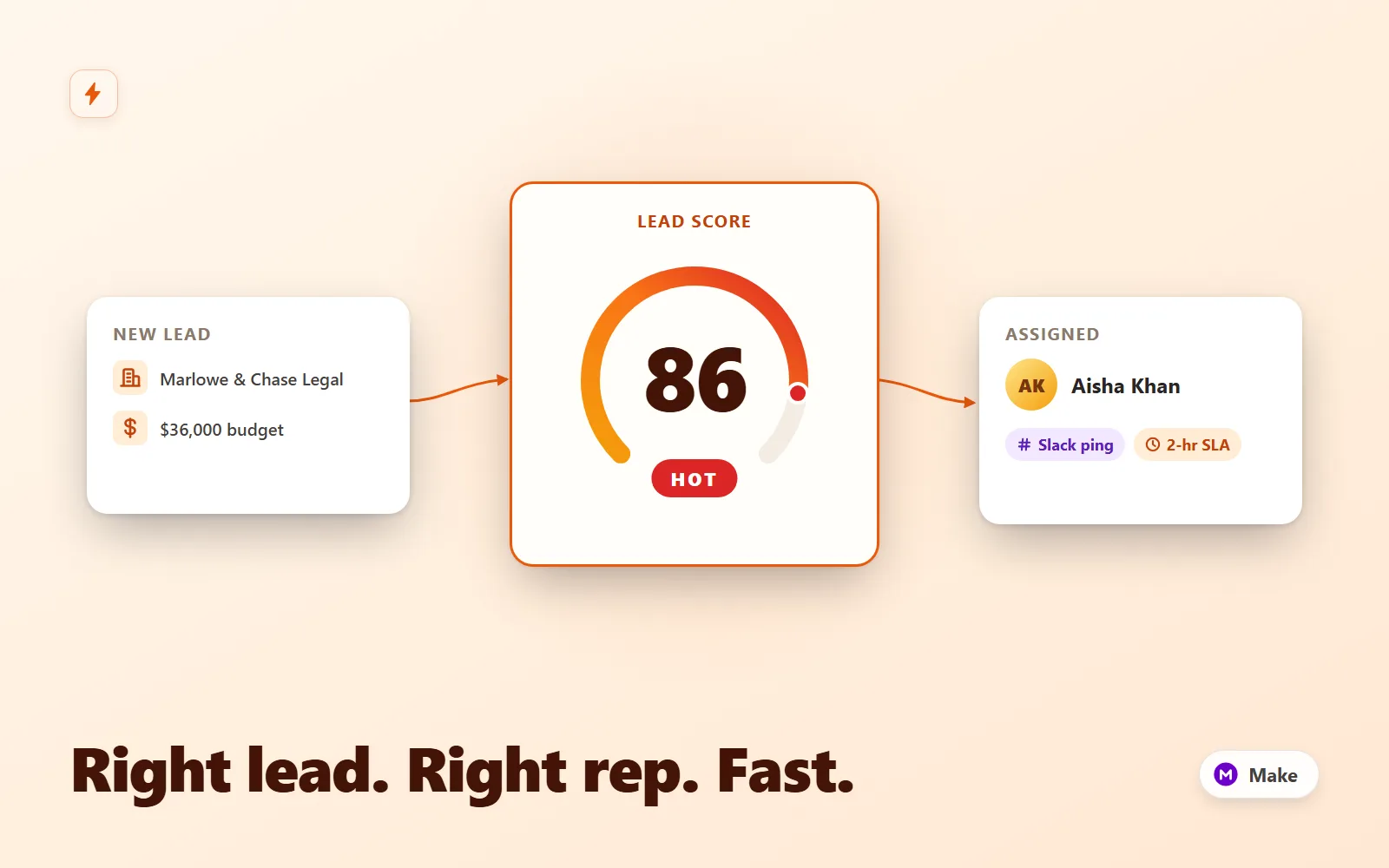
Lead Router Pro
Make.com scenario that scores inbound leads, round-robins hot ones to a rep with a Slack lead card and CRM owner, tags warm for nurture, and escalates 2-hour SLA breaches to the manager.
Simulation onlyFlowForge Studio$169
 Test-run
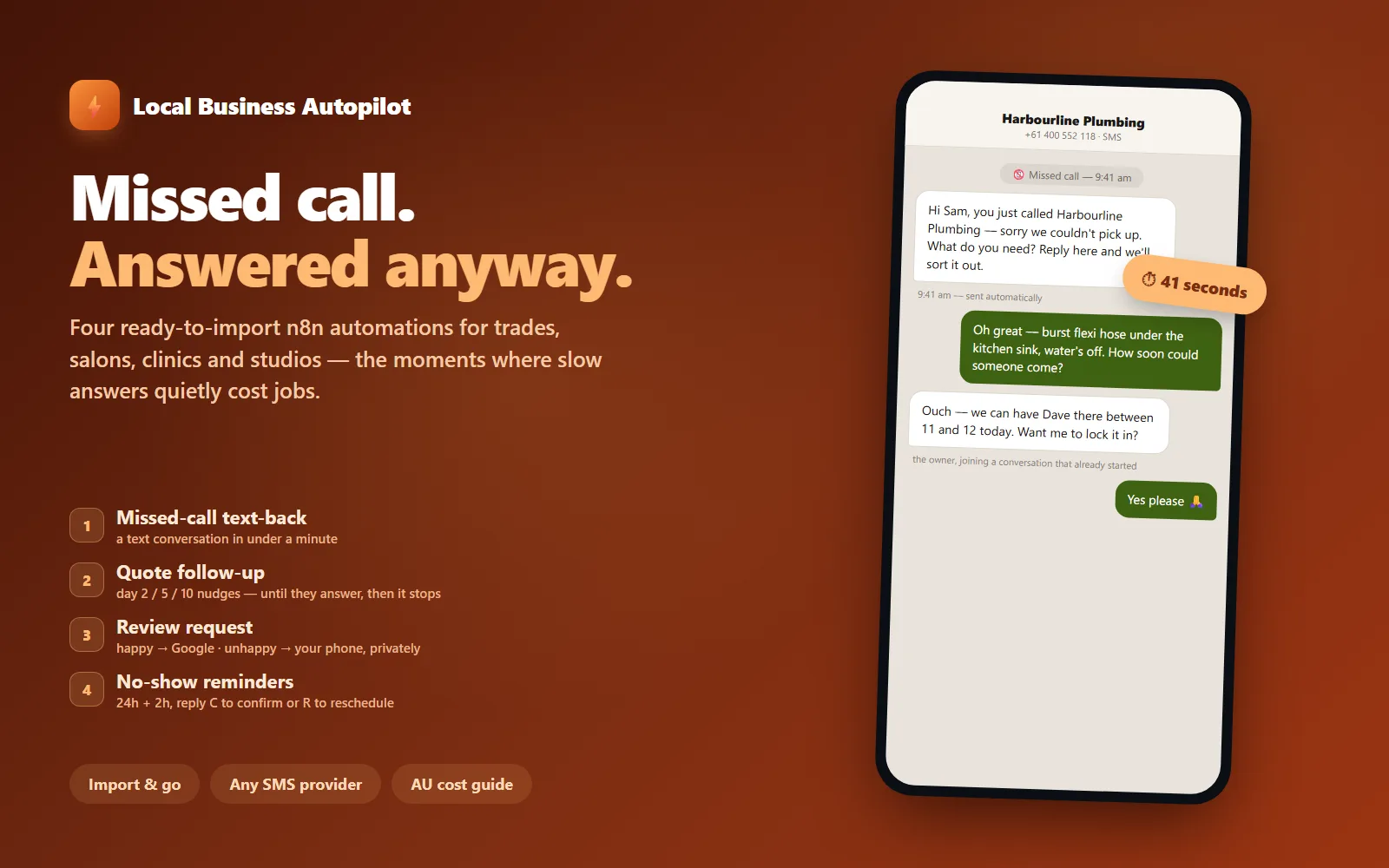
Local Business Autopilot — 4 n8n Automations
Four ready-to-import n8n automations for local service businesses: missed-call text-back, quote follow-up, review requests with an unhappy fork, and no-show reminders.
Simulation onlyFlowForge Studio$129