Preparing for launch…
Content Repurposer (n8n)
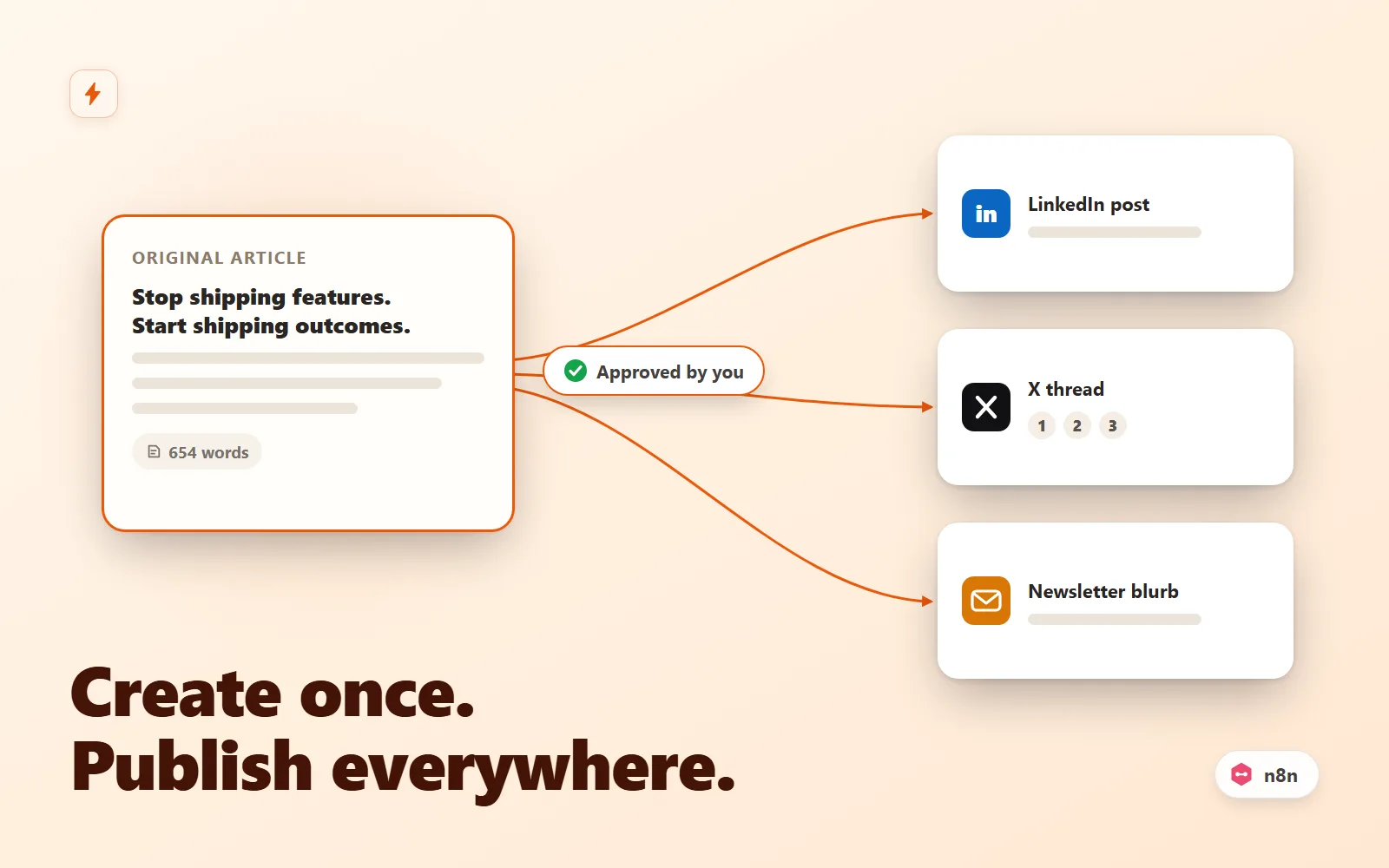
n8n workflow that turns one post into a LinkedIn post, numbered X thread and newsletter blurb — human approval before anything publishes.
What it does & who it's for
Content Repurposer is a production-ready n8n workflow that takes one long-form post and does the repurposing pass you keep postponing. A new article arrives by hourly RSS polling or a webhook POST (a URL, or raw text straight from your CMS). It is fetched and boilerplate-stripped into clean article text, then three LLM prompts draft the platform variants: a LinkedIn post (150-220 words, hook-first, no links in body), a numbered X thread (exactly 6 tweets, each under 240 characters, link only in the closer) and a newsletter blurb (labelled subject, preview and 60-90 word blurb, parsed into structured fields). The drafts land in your inbox with Approve and Reject buttons; nothing publishes without your click. On approval — and after a configurable undo window — three branches fire in parallel: the LinkedIn node posts to your profile, the Buffer branch queues each tweet of the thread in order, and an HTTP branch delivers the full draft pack JSON to your newsletter tool or scheduler. It is built for founders, solo marketers and content teams who publish long-form and then lose an hour per post rewriting it for each channel — or worse, paste the same link everywhere. The prompts are the actual product: each one encodes editorial rules that make output publishable rather than obviously generated (word bands, hook limits, platform link etiquette, labelled output that machines can parse), plus an anti-hallucination guard so a variant never invents a statistic you didn't write. All three are embedded in the nodes and mirrored in prompts.md with the rationale behind every rule, so you can adapt the voice without breaking the machinery. Everything is the real n8n export format: 19 typed nodes (webhook and RSS triggers, code, IF, HTTP request, the built-in OpenAI node, SMTP email, restart-safe Wait nodes, LinkedIn) plus four sticky notes documenting each stage on the canvas. No community nodes. Credentials are named placeholders you connect once after import. The approval flow uses n8n's own resume-URL mechanism, so parked executions survive restarts and each article waits independently. Structural guardrails fail loudly instead of publishing garbage: empty LLM output stops the run before the approval email, and the thread splitter refuses any tweet over 280 characters. You could wire something like this yourself — what you are buying is the edge-case work already done: dual triggers normalised to one shape, full-text feeds and raw-text posts that skip the fetch, HTML cleaning that survives real blog markup, prompts with checkable output contracts, a reject path that provably publishes nothing, and a setup guide that goes from import to live in 30-45 minutes with a zero-dependency test payload included. Run the interactive demo first — it replays the exact node logic and sample outputs shipped in the download, including the approve and reject paths.
What's included
- content-repurposer.n8n.json — importable n8n workflow (19 typed nodes + 4 sticky notes, real n8n export format, credentials as named placeholders) - README-setup.md — import steps, credential setup per node (OpenAI, SMTP, LinkedIn, Buffer, webhook), approval-flow explainer, curl tests, go-live checklist, troubleshooting table - prompts.md — the exact LinkedIn / X thread / newsletter prompts embedded in the nodes, with the rationale behind every rule and adaptation guidance - sample-input.json — realistic webhook payload with a full 654-word article inline, so you can test with zero external dependencies beyond OpenAI and SMTP - sample-outputs.md — faithful example outputs for the sample article (all three variants), plus the draft-pack JSON shape your webhook receives
What's not included
- An n8n instance (you need n8n Cloud or self-hosted 1.40+) - OpenAI API key, SMTP mailbox, LinkedIn account, Buffer account or newsletter tool — you connect your own - X/Twitter API access — threads publish via Buffer (or any scheduler you point the branch at); there is no direct X node in this workflow - The blog or CMS producing the articles — this is the automation behind it - Custom development or changes beyond the documented configuration points
Requirements
n8n 1.40 or later (Cloud or self-hosted) with the built-in AI nodes (standard in every n8n install — no community nodes). An OpenAI API key with billing enabled. An SMTP mailbox or transactional relay for the approval email. For the publish branches you keep: a LinkedIn account (OAuth via n8n's built-in flow), a Buffer account with an access token, and/or any webhook-capable newsletter or scheduler tool. Unused publish branches can simply be deleted.
Setup instructions
1. In n8n, go to Workflows, then Add workflow, then Import from File, and select content-repurposer.n8n.json. The canvas shows four documented stages; credential warnings are expected at this point. 2. Create an OpenAI credential and assign it to the three LLM nodes (LinkedIn Post, X Thread, Newsletter Blurb). The nodes ship pointing at gpt-4o; README-setup.md and prompts.md cover cheaper model options. 3. Create an SMTP credential on Send Approval Email and set your from and to addresses. 4. Configure the publish branches you plan to use: LinkedIn OAuth plus your person ID, a Buffer Query Auth credential (named access_token) plus your profile ID, and/or your newsletter webhook URL. Delete branches you don't need. 5. Set your RSS feedUrl (if using the RSS trigger) and adjust the publish-window delay (ships at 15 minutes). 6. Click Test workflow and POST the included sample-input.json to the test webhook URL with curl (exact command in README-setup.md section 5). Check the approval email, click Approve, and verify each configured branch fires. Run it again and click Reject to confirm nothing publishes. 7. Work through the go-live checklist in README-setup.md section 6, then activate the workflow and switch your CMS hook to the production webhook URL.
Version history
- v1.0Latest29 July 2026
Licence & terms
Licence terms
Single-project commercial licence. You may import, modify and run this workflow for one business or client project, including commercial use, and adapt the prompts, nodes and publish branches freely for that project. You may not resell, redistribute, sublicense or repackage the workflow, prompts or documentation (modified or not) as a template, product or part of a marketplace listing. For additional projects, purchase additional licences.
Refund policy
14-day refund policy: if the product is materially not as described — the workflow does not import into a supported n8n version, or a documented feature is absent — contact us within 14 days of purchase for a full refund. Please run the interactive demo before buying: it replays the exact node logic and sample outputs shipped in the download, including the approval and reject paths, so you can see precisely what you are getting. Refunds are not provided for lack of an n8n instance or the third-party accounts listed under requirements, or for LLM output quality preferences (the prompts are fully editable). Refunds are not offered for change of mind. An approved refund ends your licence to the product — you must delete all copies of the files and stop using them.
Support terms
Email support covers importing the workflow, connecting the documented credentials (OpenAI, SMTP, LinkedIn, Buffer, webhook), and questions about the shipped prompts and configuration points. It does not cover custom feature development, prompt engineering for your specific voice, debugging third-party accounts, or general n8n consulting. Typical response within 2 business days.
These terms are snapshotted at purchase — what you see here is what applies to your order.
Reviews
No reviews yet
Reviews come from verified purchasers only, so you can trust what you read here.
More in Automation
Other listings buyers compared with this one.
 Test-run
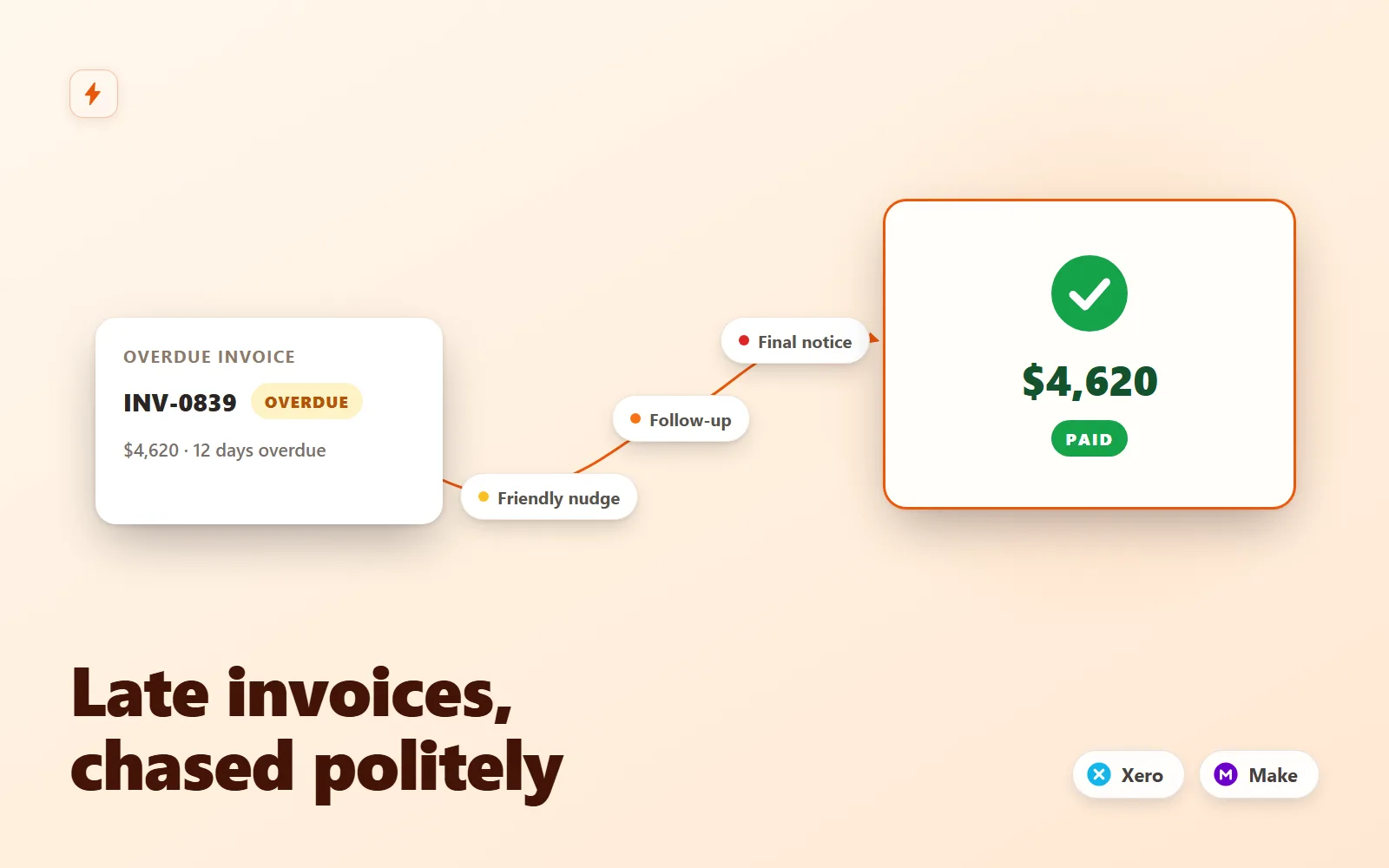
Invoice Chaser for Xero
Polite, persistent invoice follow-ups for Xero that recover late payments without you writing a single email.
Simulation onlyFlowForge Studio$129
 Test-run
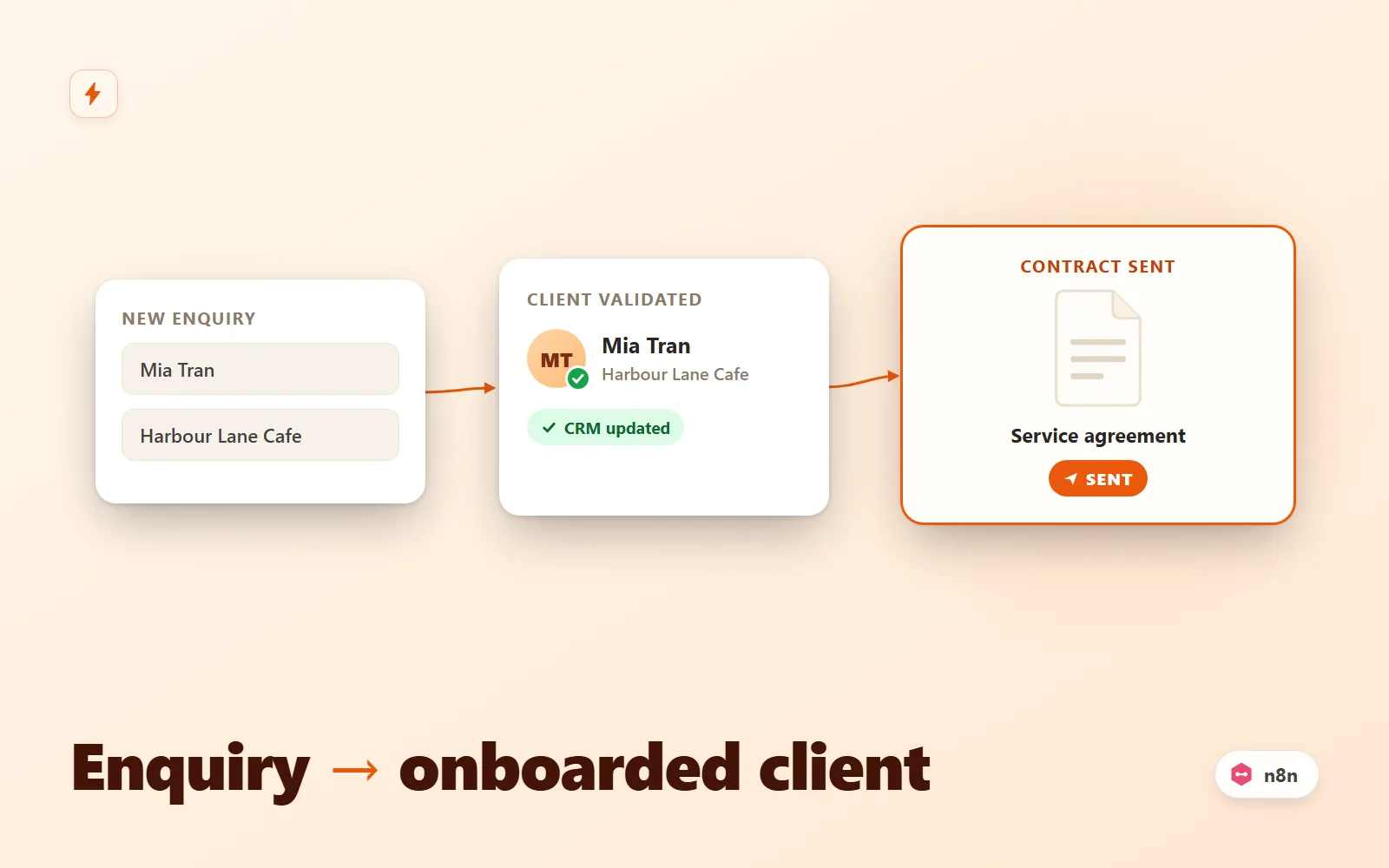
Client Intake Autopilot (n8n)
n8n workflow that turns a form submission into an onboarded client: validate, dedupe, CRM upsert, contract email, Slack alert, reminder.
Simulation onlyFlowForge Studio$69
 Test-run
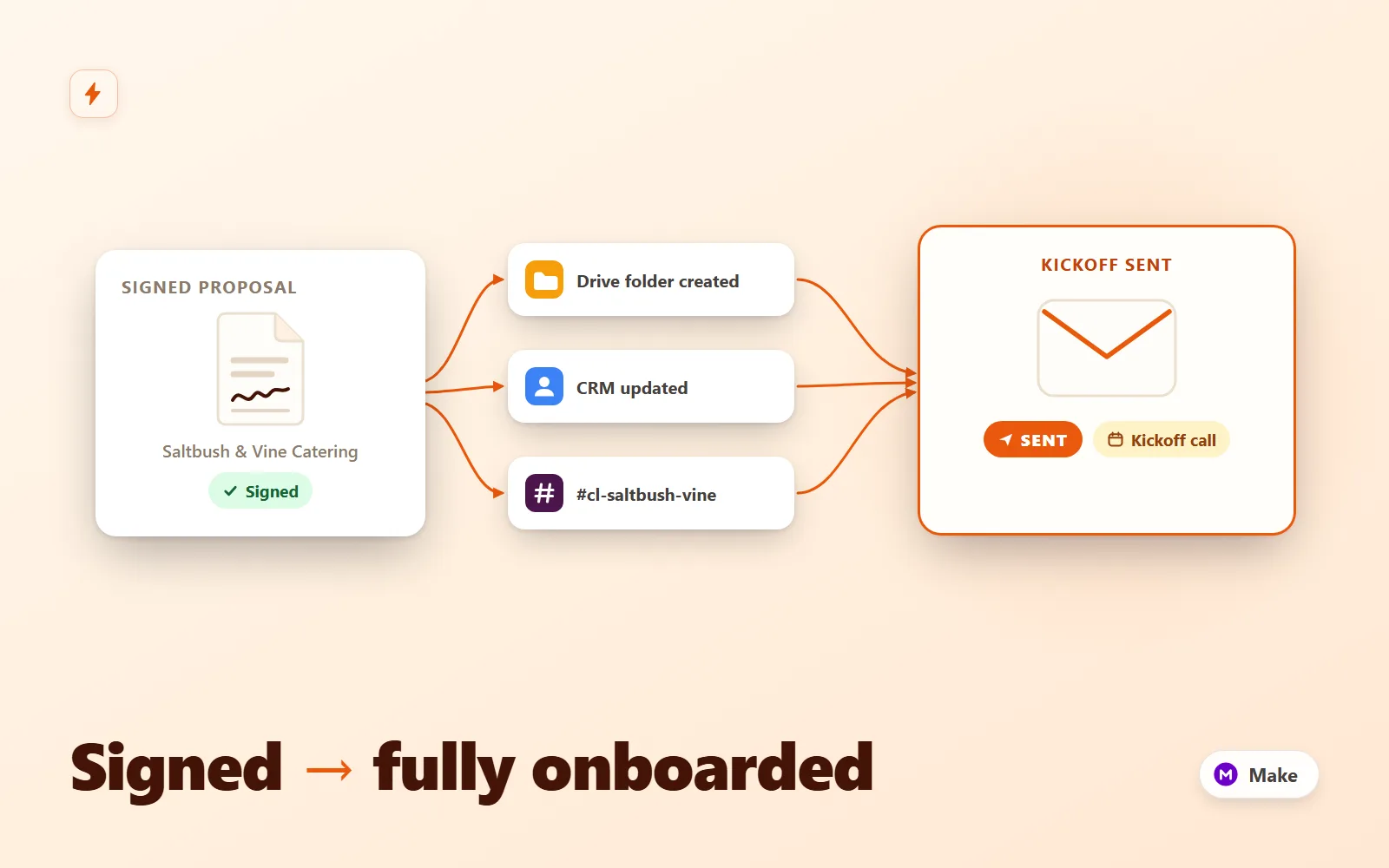
Client Onboarding Autopilot
Make.com scenario pack that turns a signed proposal into a fully onboarded client: Drive folder tree, CRM upsert, kickoff email + questionnaire, Slack channel with your team inside, seeded task list and a day-3 questionnaire reminder.
Simulation onlyFlowForge Studio$189
 Test-run
Lead Router Pro
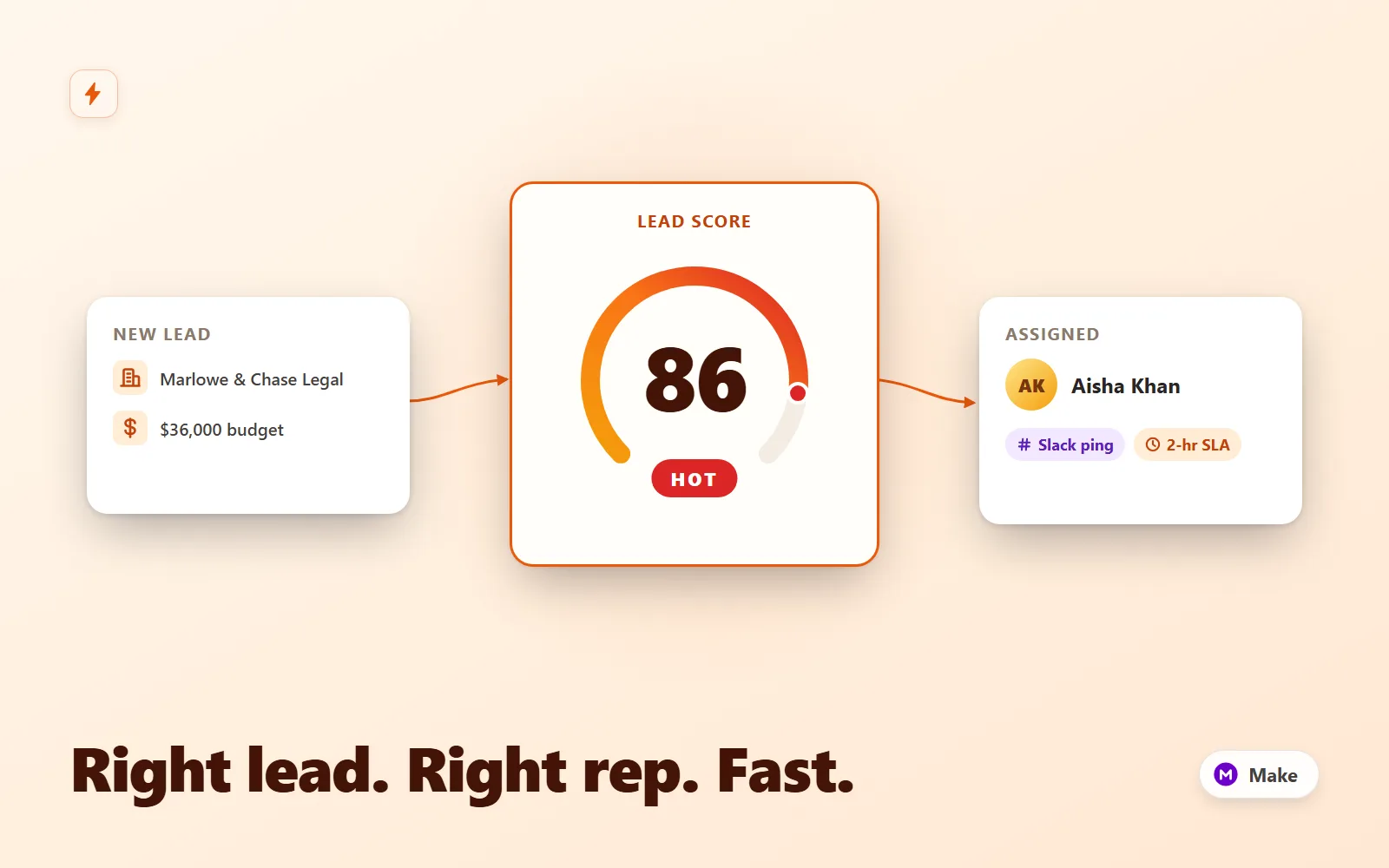
Make.com scenario that scores inbound leads, round-robins hot ones to a rep with a Slack lead card and CRM owner, tags warm for nurture, and escalates 2-hour SLA breaches to the manager.
Simulation onlyFlowForge Studio$169